
Designing Fonts for UI/UX: The Perfect Balance Between Aesthetics and Readability
Designing Fonts for UI/UX: The Perfect Balance Between Aesthetics and Readability
In today’s digital-first world, typography is more than just visual flair—it’s a fundamental component of user experience (UX). Whether you’re designing a mobile app, a website, or a digital product, choosing or creating the right font can make or break your interface. UI/UX-focused fonts must be readable, versatile, and optimized for various screen sizes and resolutions.
Why Typography Matters in UI/UX
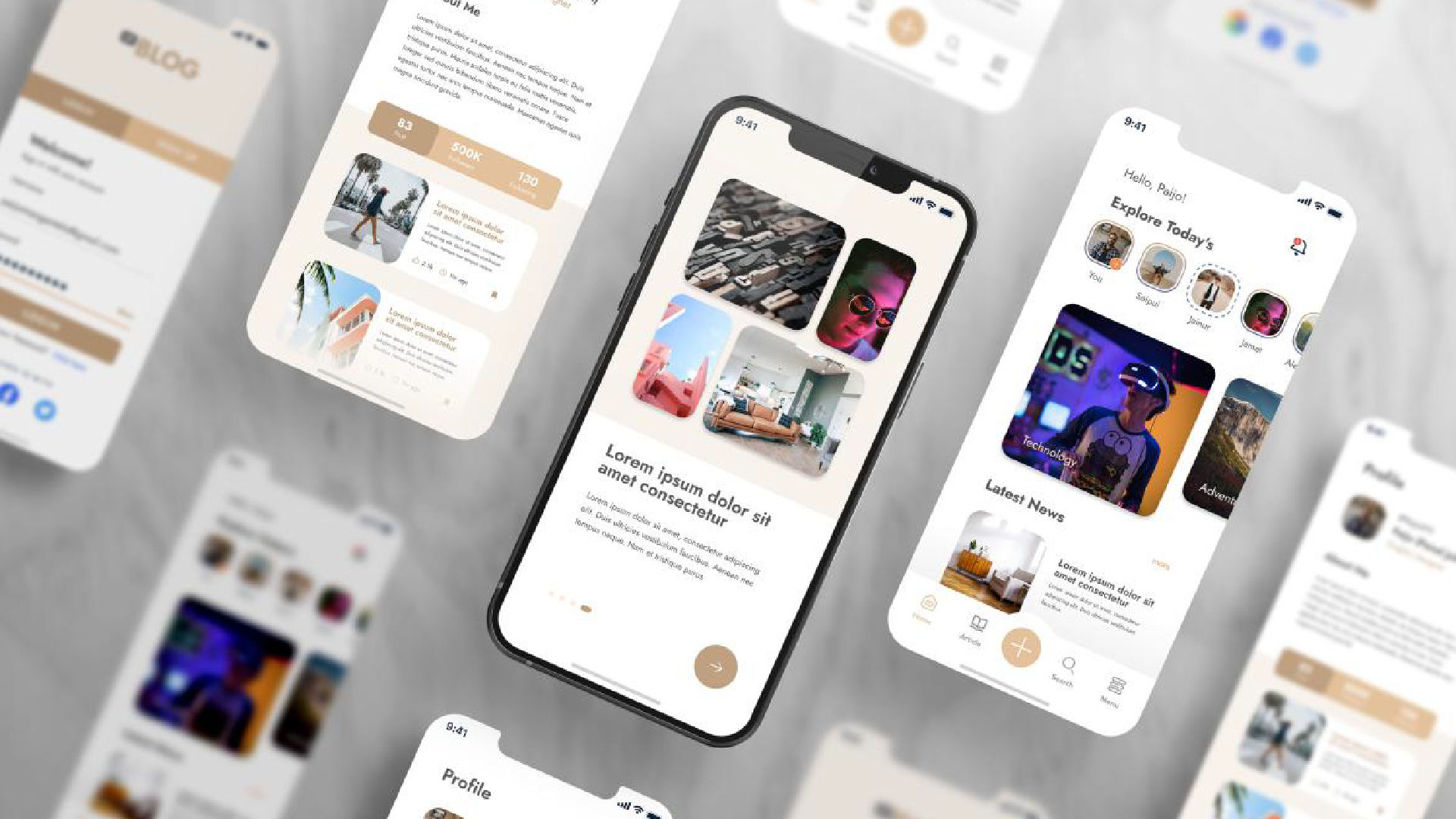
Fonts are the voice of your interface. Users process content primarily through text, and poor font choices can lead to eye strain, confusion, or worse—abandonment of the product. Good typography ensures that information is digestible, hierarchy is clear, and users stay engaged.
Core Principles in Designing Fonts for UI/UX
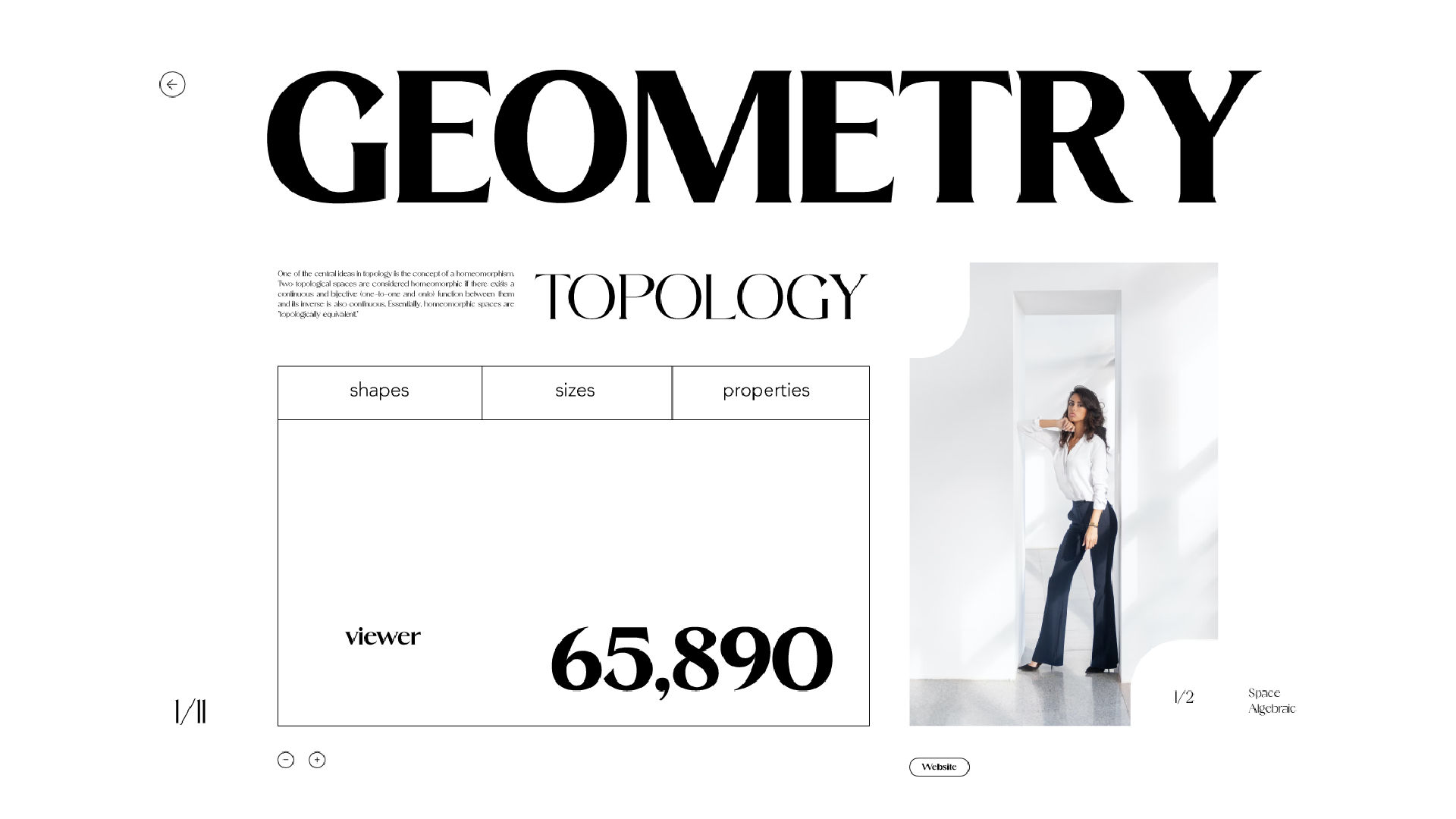
1. Prioritize Legibility Across Sizes
Fonts should retain clarity from tiny captions to large headers. Consider x-height, stroke contrast, and spacing to ensure each character is distinguishable even at small scales.
2. Optimize for Digital Screens
Design your typefaces with screen rendering in mind. Use grid systems, pixel fitting, and hinting to improve clarity on low and high-resolution displays.
3. Focus on Simplicity
Complex or overly decorative fonts can distract or frustrate users. Stick to clean, geometric shapes or humanist forms that feel intuitive and comfortable to the eye.
4. Include a Full Character Set
Support for multiple languages, symbols, and numerals is essential, especially for global digital products. Also, provide proper kerning pairs and punctuation for UI contexts.
5. Weight and Style Variants
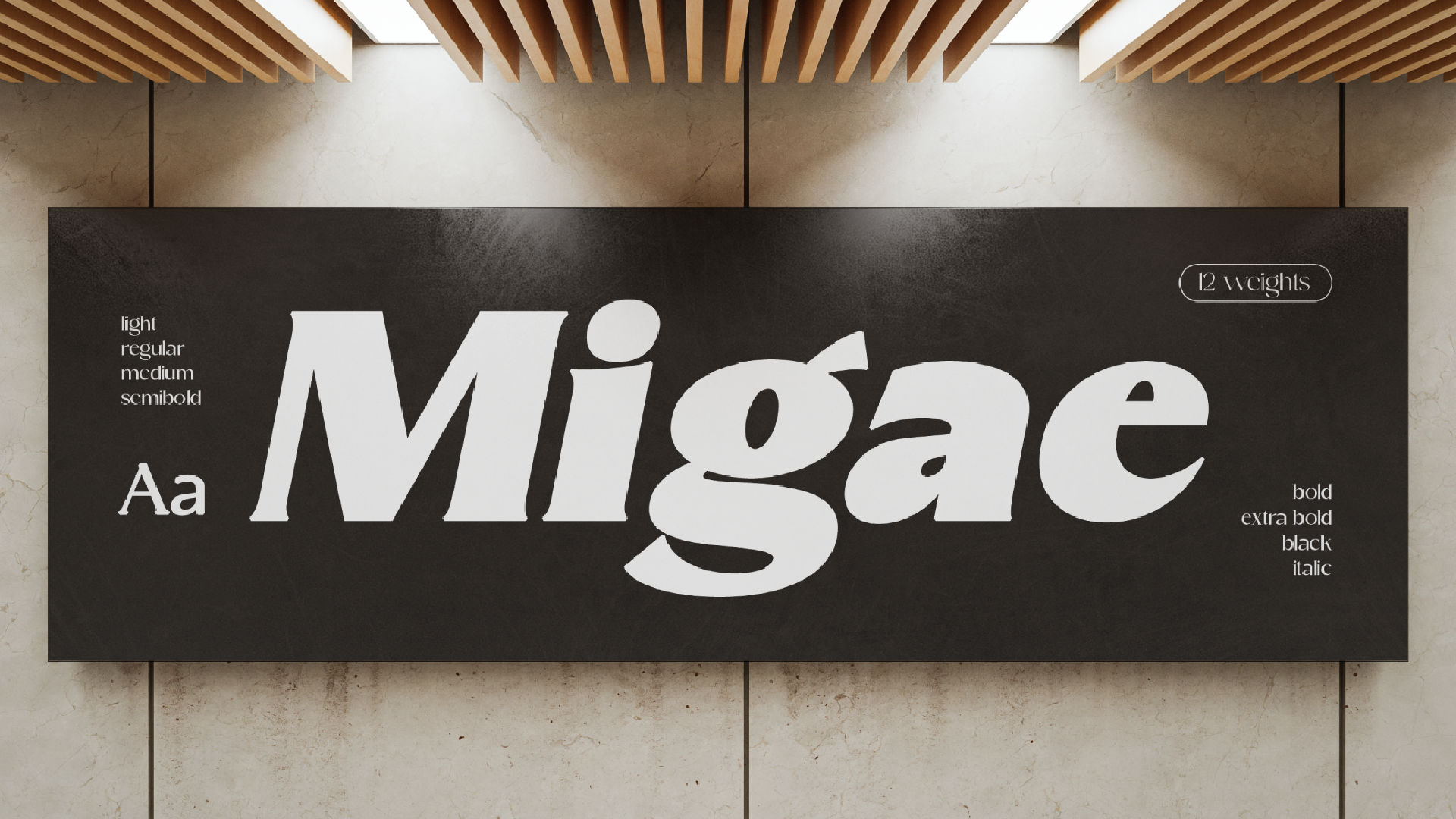
UI design often depends on hierarchy. Provide at least 4–6 weights (Light to Bold) and true italics to offer designers flexibility without compromising consistency.
Best Practices When Designing Fonts for UI/UX
- Test your font in real-world scenarios, including dark mode, mobile screens, and responsive layouts.
- Avoid tight tracking. Digital readability improves with generous spacing.
- Ensure your font passes accessibility standards, such as WCAG guidelines for contrast and clarity.
- Limit line width to 50–75 characters for optimal reading flow.
- Offer variable fonts, allowing designers to fine-tune font weight or width based on screen size.
Examples of Great UI Fonts
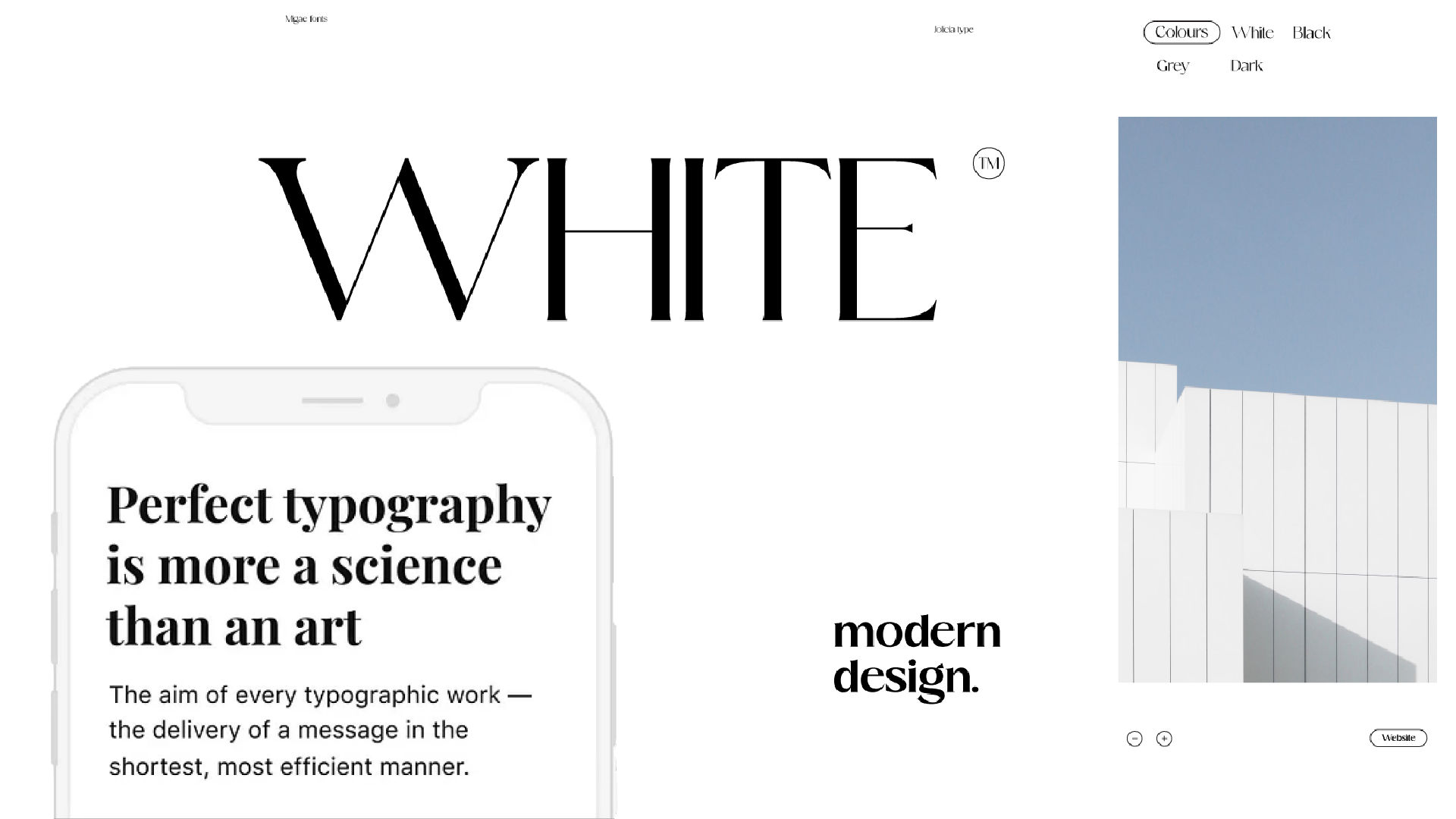
Some of the most successful UI fonts include SF Pro, Roboto, Inter, Helvetica Now, and Segoe UI—all designed with clarity, functionality, and neutrality in mind.
If you’re designing a custom UI typeface, study these examples to understand how structure, rhythm, and spacing influence user behavior.
Conclusion:
Designing a font for UI/UX is both a technical and artistic challenge. It’s not just about what looks good—it’s about what reads well, works well, and elevates the digital experience. By focusing on clarity, versatility, and digital optimization, your typeface can become the unsung hero of any interface.