
From Pixels to Letters: Crafting Experimental Fonts from AI-Generated Shapes
From Pixels to Letters: Crafting Experimental Fonts from AI-Generated Shapes
In the age of artificial intelligence, creativity has found an unconventional partner. AI-generated shapes—often abstract, organic, or entirely unexpected—can be the perfect spark for experimental font design. Rather than starting with traditional letterform sketches, designers can now harness machine-generated visuals as a foundation for unique, boundary-pushing typefaces. This approach not only challenges the norms of typography but also opens the door to visual storytelling that feels futuristic and expressive.
1. Why Use AI-Generated Shapes for Fonts?
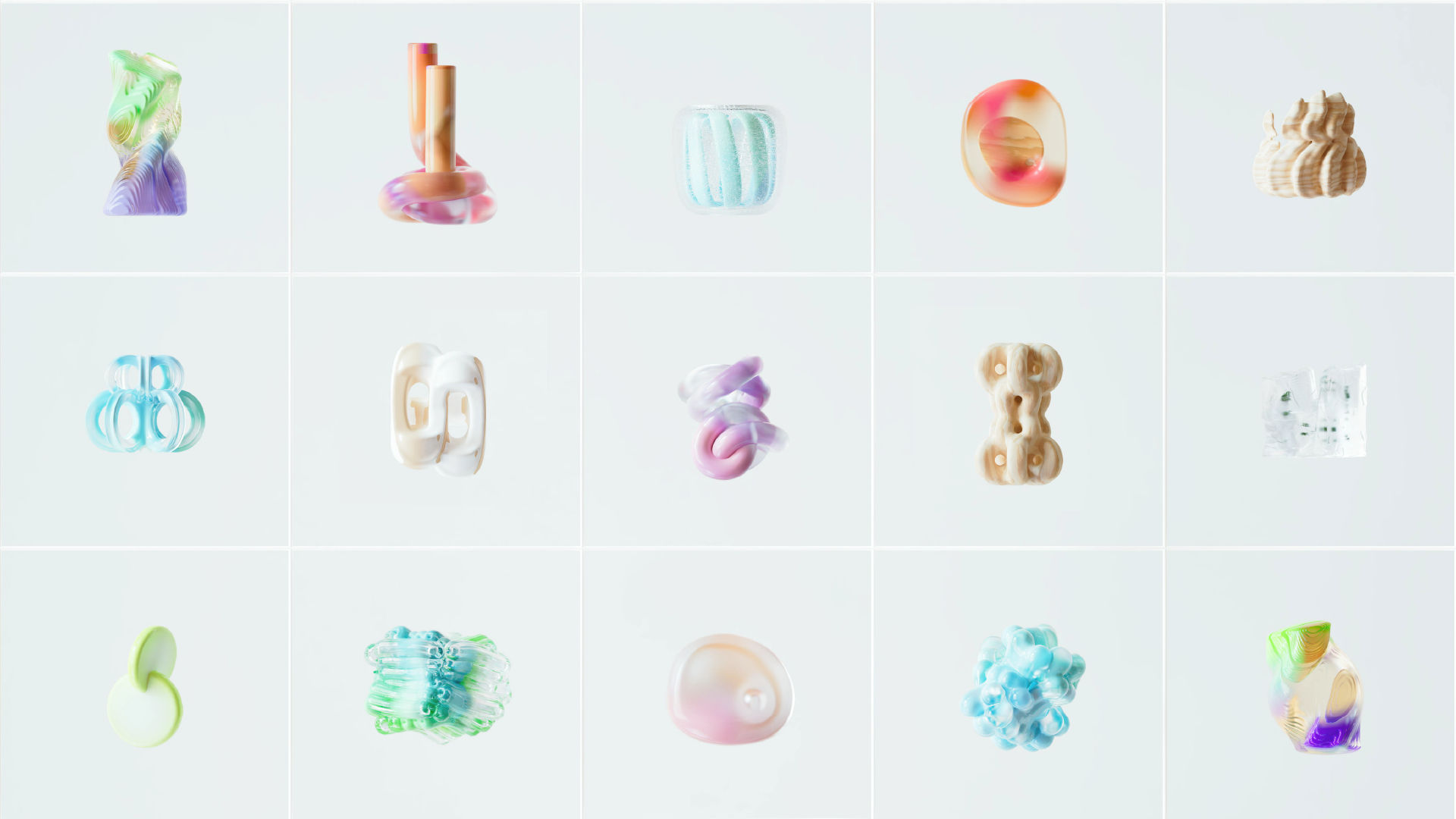
AI algorithms can produce patterns, silhouettes, and compositions that human designers might not naturally think of. These shapes can inspire new forms of strokes, serifs, or curves, resulting in fonts that look nothing like traditional typefaces. By incorporating AI into the process, you introduce a layer of unpredictability—a key ingredient in experimental design.
Benefits include:
- Breaking creative ruts with unexpected visuals
- Exploring abstract forms for letter construction
- Speeding up the brainstorming process
- Blending human intuition with machine imagination
2. Choosing the Right AI Tools

Not all AI generators are equal when it comes to creating shapes suitable for font design. Some tools excel at generating clean vector-friendly forms, while others focus on complex textures or randomness.
Recommended AI shape generators:
- DALL·E / Midjourney – For abstract imagery and conceptual prompts
- Runway ML – For experimental patterns and shape variations
- Shape AI or Vectary AI – For vector-based geometric results
3. From Shape to Glyph: The Transformation Process
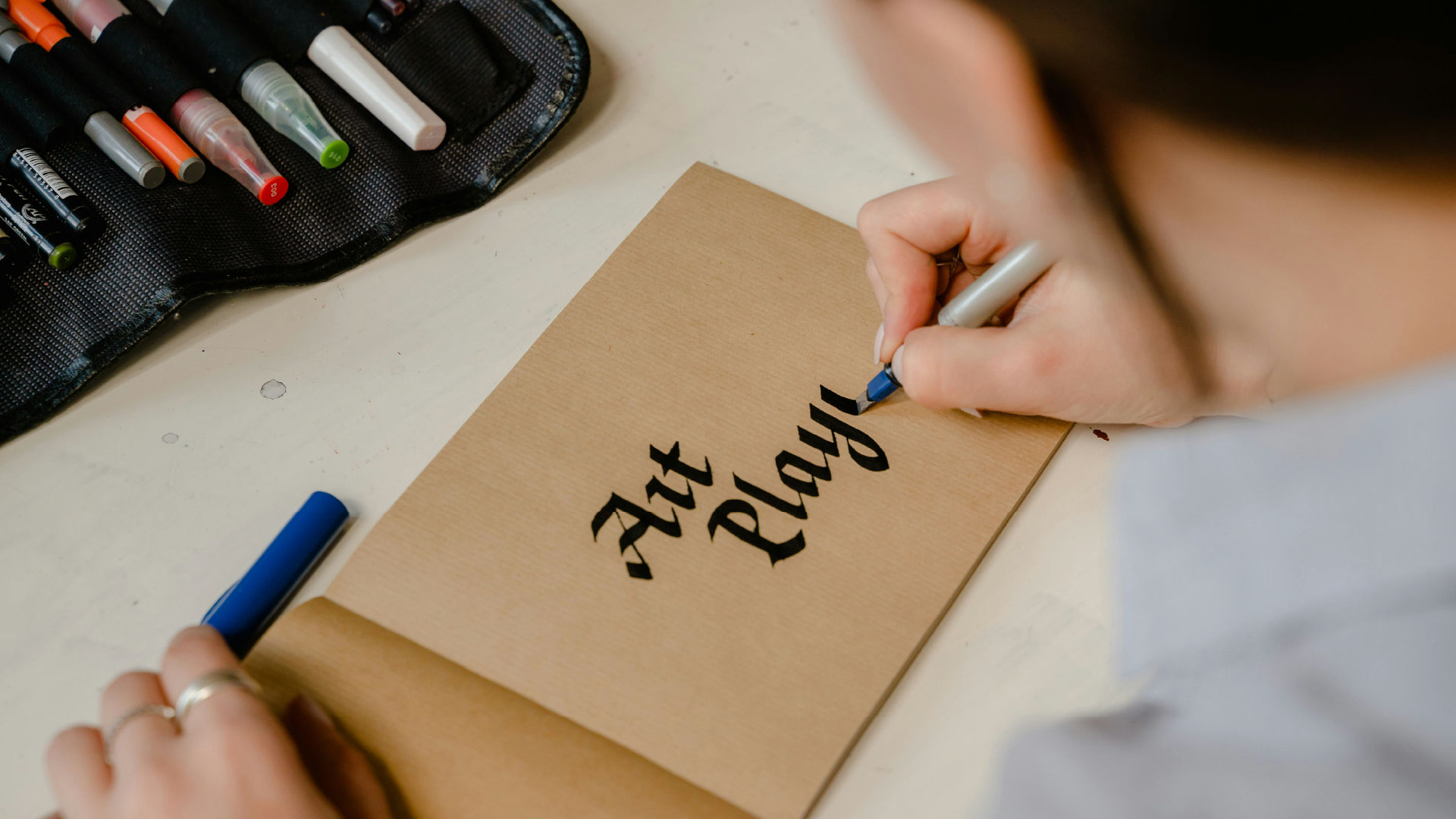
Step 1: Select & Refine Shapes
Choose AI outputs that feel aligned with your design vision. Look for consistency in form, weight, and visual rhythm.
Step 2: Vectorize the Artwork
Convert raster images to vector shapes using software like Adobe Illustrator, Affinity Designer, or Vectornator. Clean up unnecessary nodes to maintain smooth curves.
Step 3: Map Shapes to Letterforms
Match AI-generated elements to specific characters in the alphabet. Some shapes might work perfectly for uppercase letters, others for decorative alternates.
Step 4: Build in a Font Editor
Import your refined vector letters into font-creation software like FontLab, Glyphs, or FontForge. Fine-tune spacing, kerning, and alignment for usability.
Step 5: Test & Iterate
Check legibility in different contexts—small sizes, large headlines, or digital displays. Adjust as needed while maintaining the experimental nature of the font.
4. Keeping the “Experimental” Spirit Alive
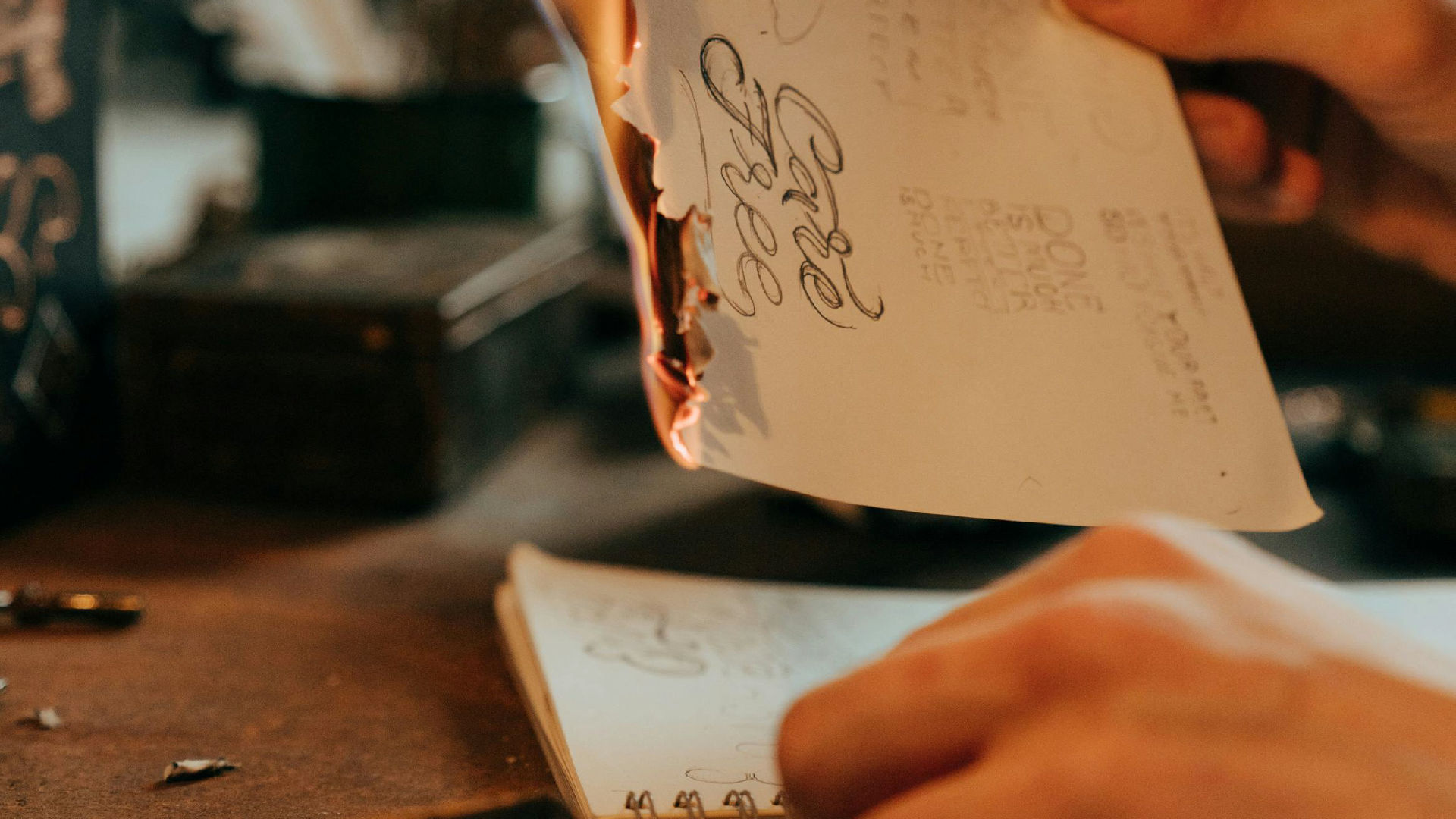
The danger with refining AI-generated shapes is over-polishing them until they lose their charm. To preserve the experimental feel:
- Embrace asymmetry and imperfections
- Allow letterforms to break traditional rules
- Use unconventional negative space
- Play with weight contrast and proportions
5. Applications for AI-Driven Experimental Fonts
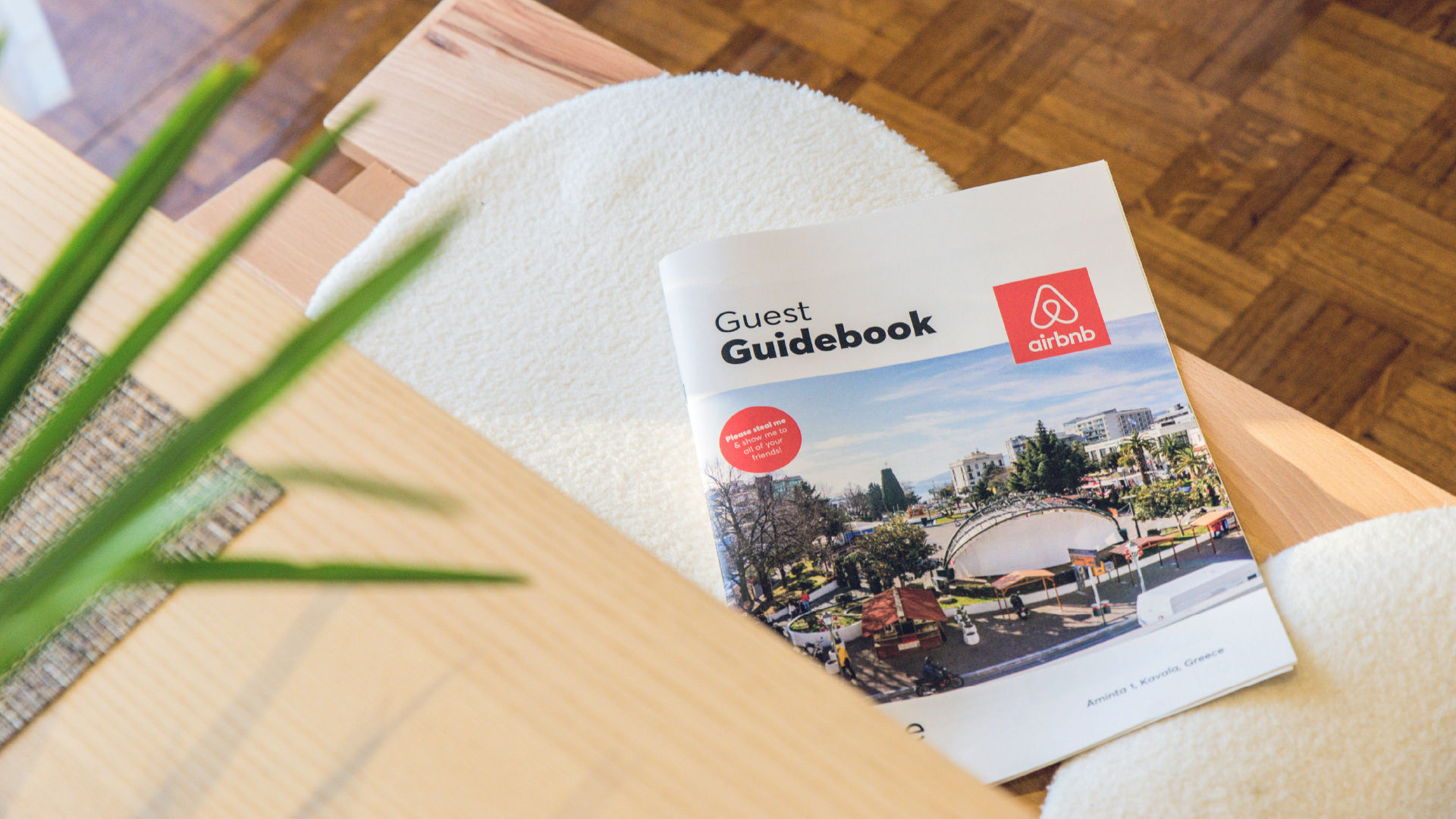
Experimental fonts born from AI-generated shapes thrive in projects where originality is prized over conformity. They work beautifully in:
- Branding for avant-garde or tech-focused companies
- Music or fashion posters
- Editorial layouts for design magazines
- Album covers or experimental art projects
Conclusion
Creating experimental fonts from AI-generated shapes is not just a design technique—it’s a collaboration between human intuition and machine unpredictability. By allowing AI to provide the raw material and applying your typographic expertise, you can craft typefaces that feel both innovative and expressive. The next groundbreaking font might just start with a shape you never imagined—until AI drew it for you.