
How to Write a Font Product Description That Sells: A Complete Guide for Type Designers
How to Write a Font Product Description That Sells: A Complete Guide for Type Designers
When you release a font into the world, you’re not just offering letters—you’re offering personality, style, and potential. But even the most beautifully crafted typeface can be overlooked without a compelling product description. A well-written font description can elevate your design, communicate its value, and ultimately drive more sales.
Here are key tips to help you create font product descriptions that convert browsers into buyers:
1. Start with a Strong Opening Sentence
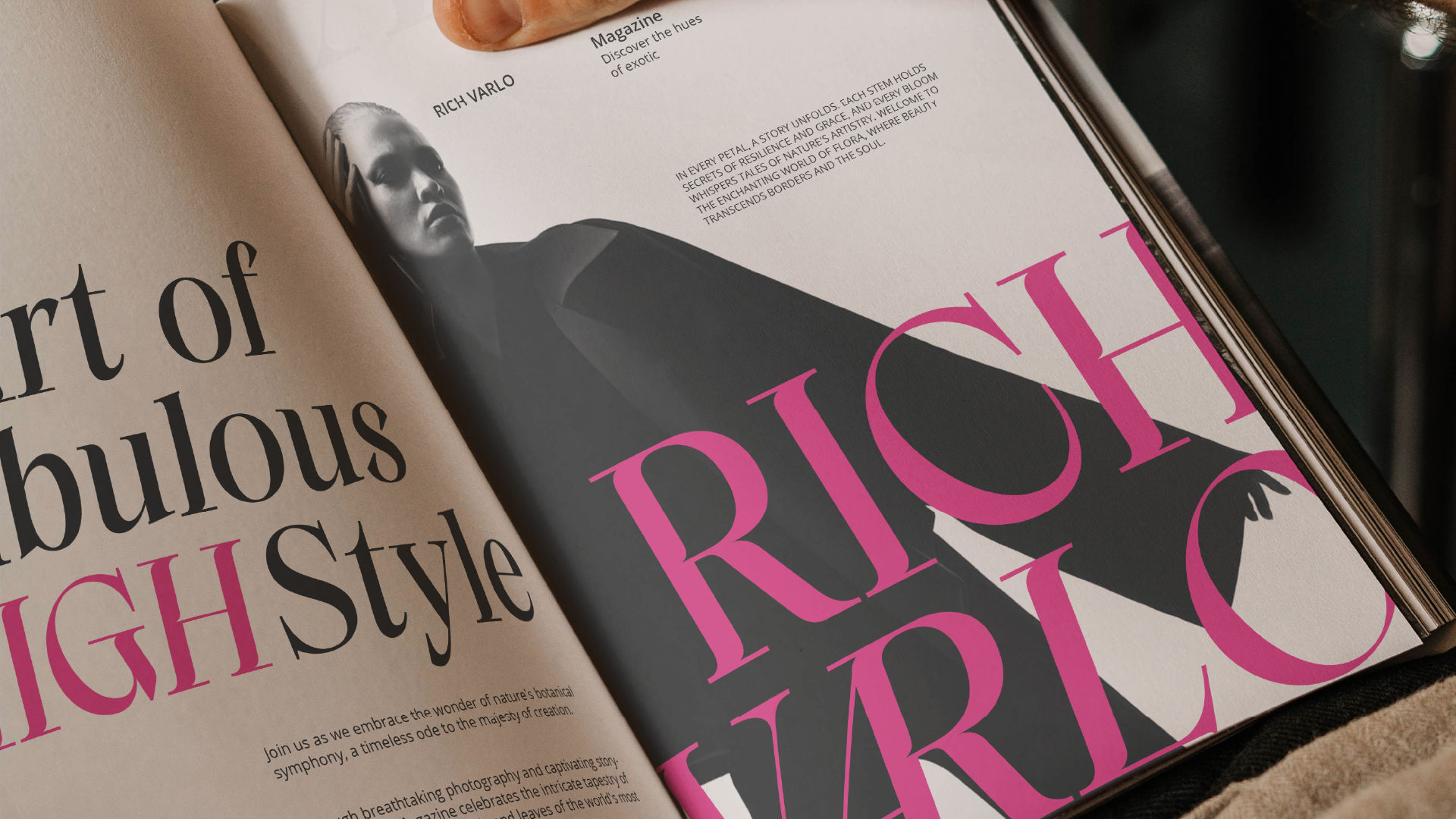
Your first sentence should immediately highlight what makes the font special. Is it elegant, edgy, retro, or experimental? Set the tone and create a visual in the reader’s mind.
Example:
“Gloria Rocha is a modern serif font with graceful swashes and timeless elegance, perfect for high-end branding and editorial design.”
2. Define the Font’s Personality and Style
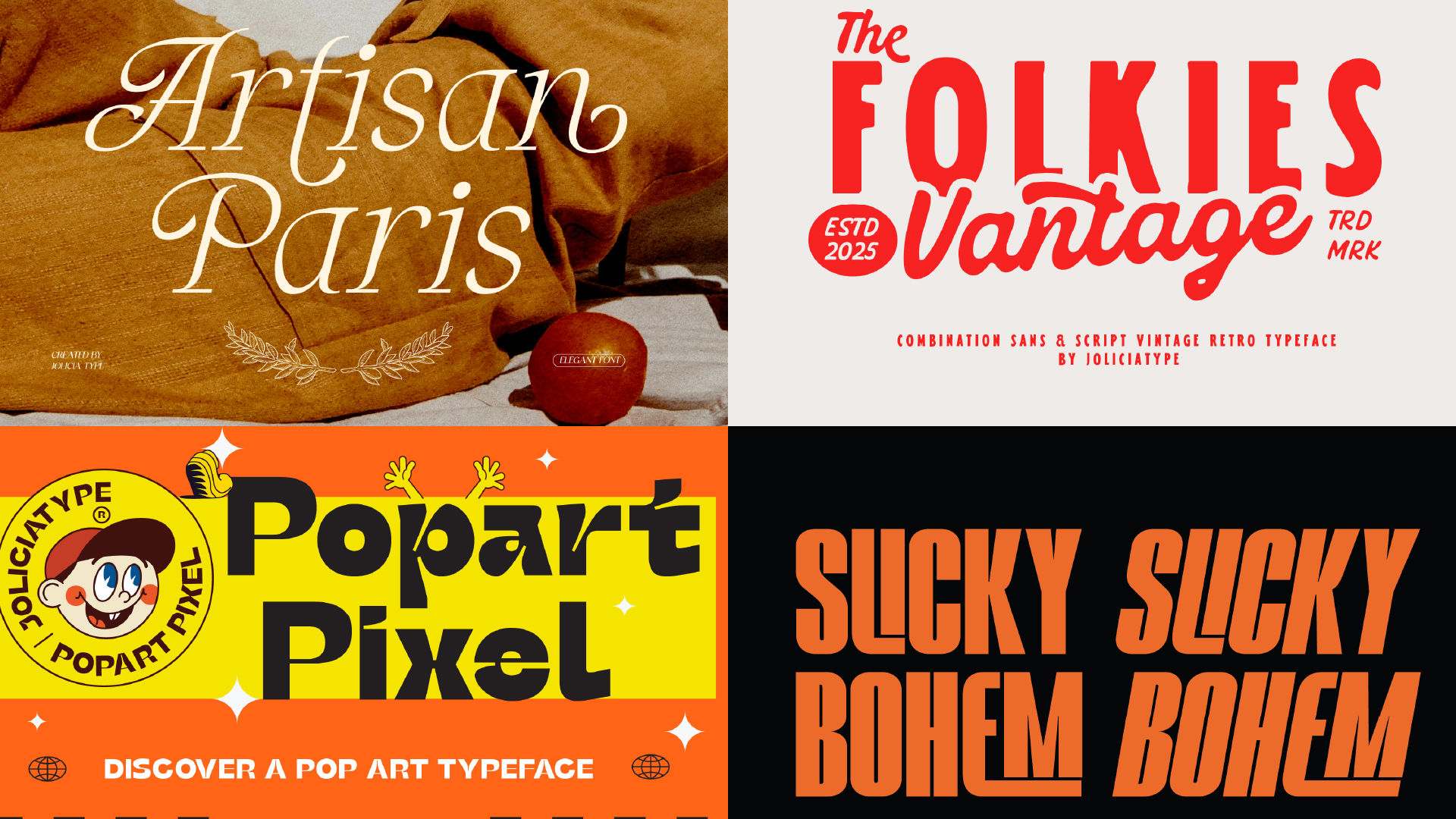
Give context to the font’s visual tone. Is it romantic, bold, playful, or professional? Who would use it, and for what kinds of projects?
Describe:
- Mood (e.g., luxurious, casual, whimsical)
- Style (e.g., script, display, grotesque, geometric)
- Influences (e.g., vintage signage, Bauhaus, handwriting)
3. Highlight Key Features and Technical Details
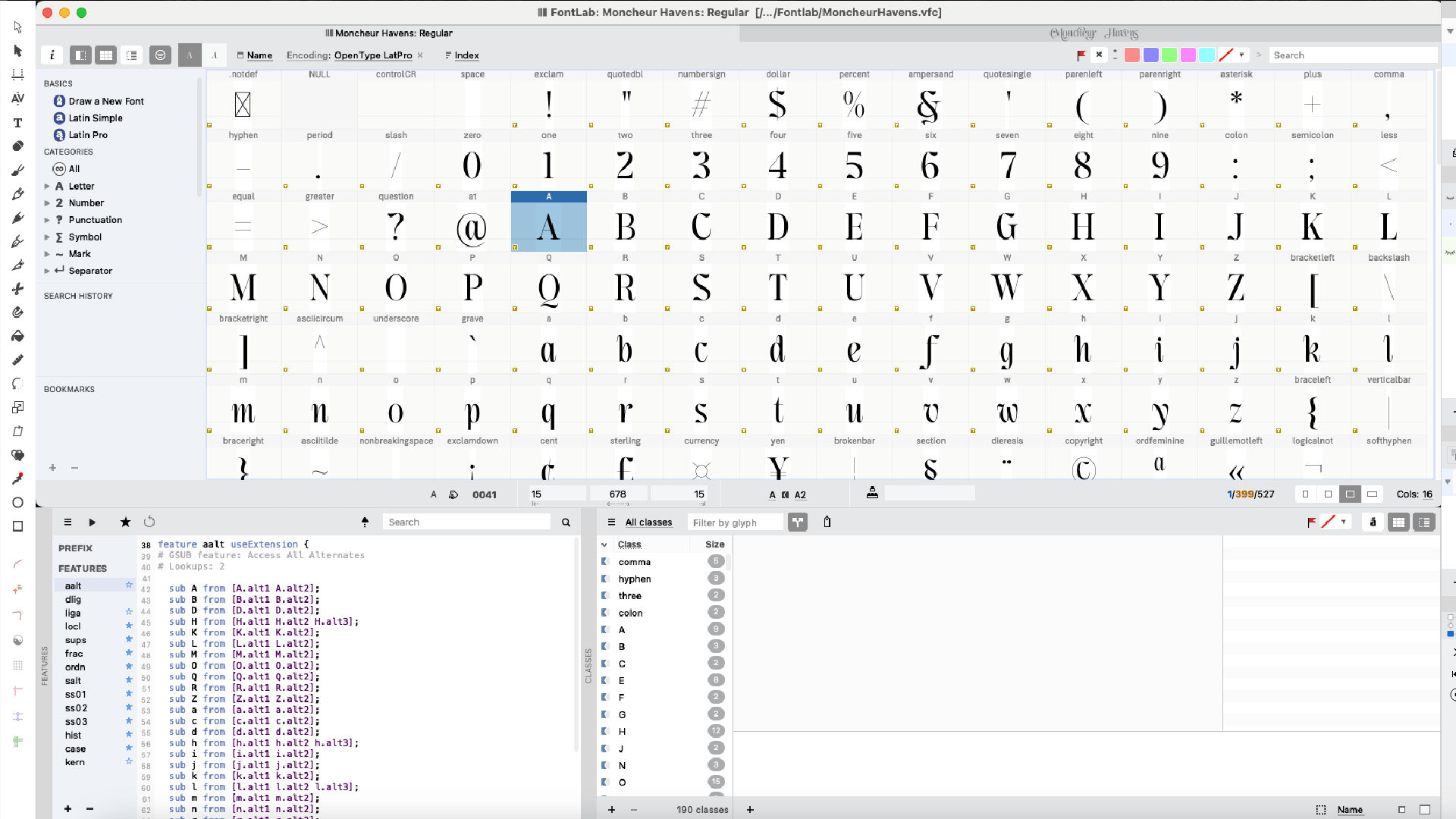
This is where you inform designers and potential buyers about what they’re getting:
- Number of styles or weights (e.g., Regular, Italic, Bold)
- File formats (OTF, TTF, WOFF)
- Character set (how many glyphs? Multilingual support?)
- OpenType features (e.g., stylistic alternates, ligatures, swashes)
- Variable font availability
Example:
“The font includes 500+ glyphs, supports 90+ languages, and comes in both static and variable formats for full creative flexibility.”
4. Show Practical Use Cases
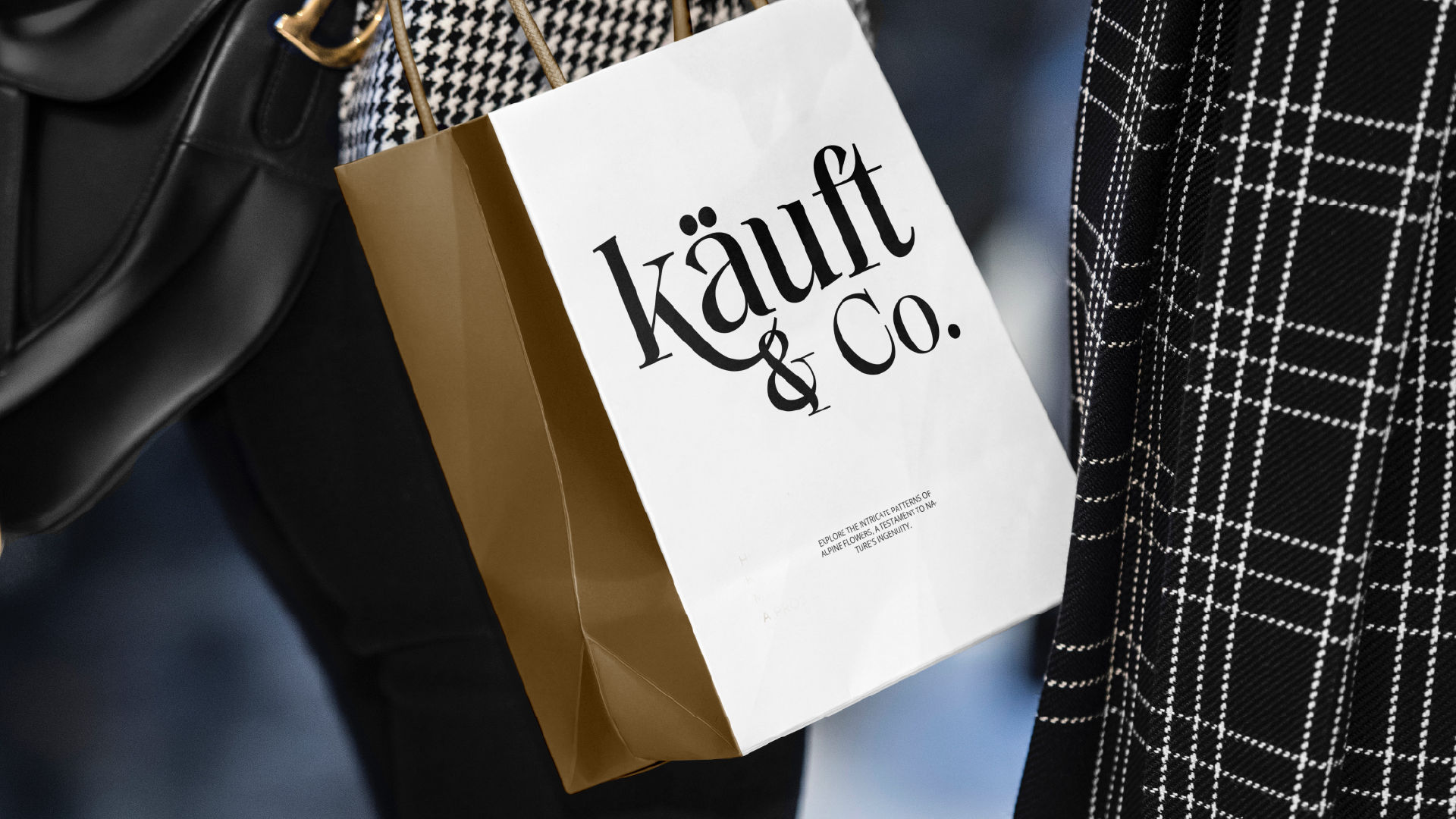
Help buyers imagine how they can use your font. Be specific.
Try phrases like:
- Perfect for wedding invitations, product packaging, or social media graphics
- A great choice for tech startups, editorial layouts, and minimalist branding
Visualize your font in action through words.
5. Include Licensing Notes (Briefly)
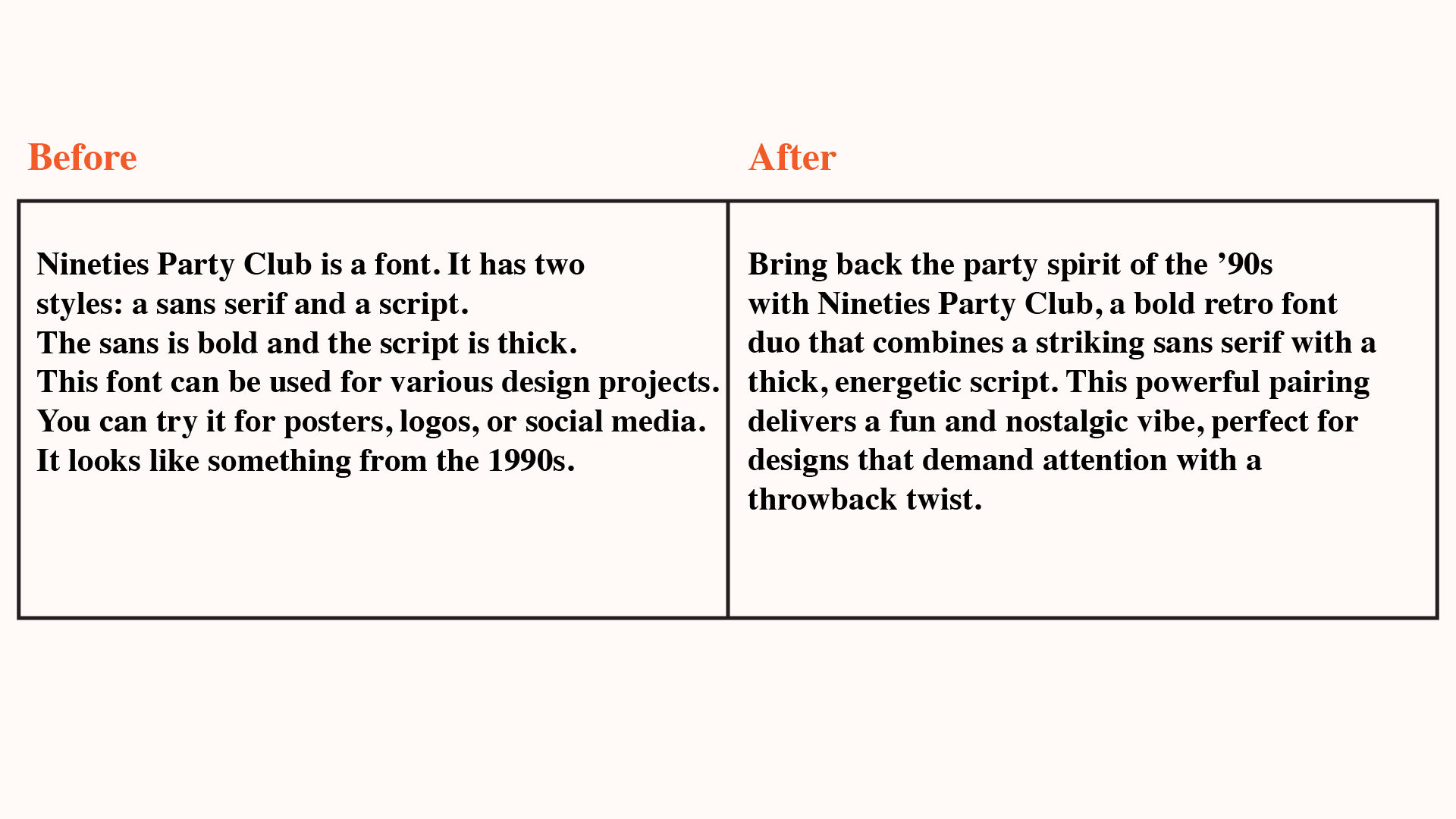
Clarify the commercial usage or licensing options if needed, but keep it concise. You can link to a full license page separately.
Example:
“This font can be used for both personal and commercial projects. Please see the included PDF for licensing details.”
6. Use Emotion-Driven Language
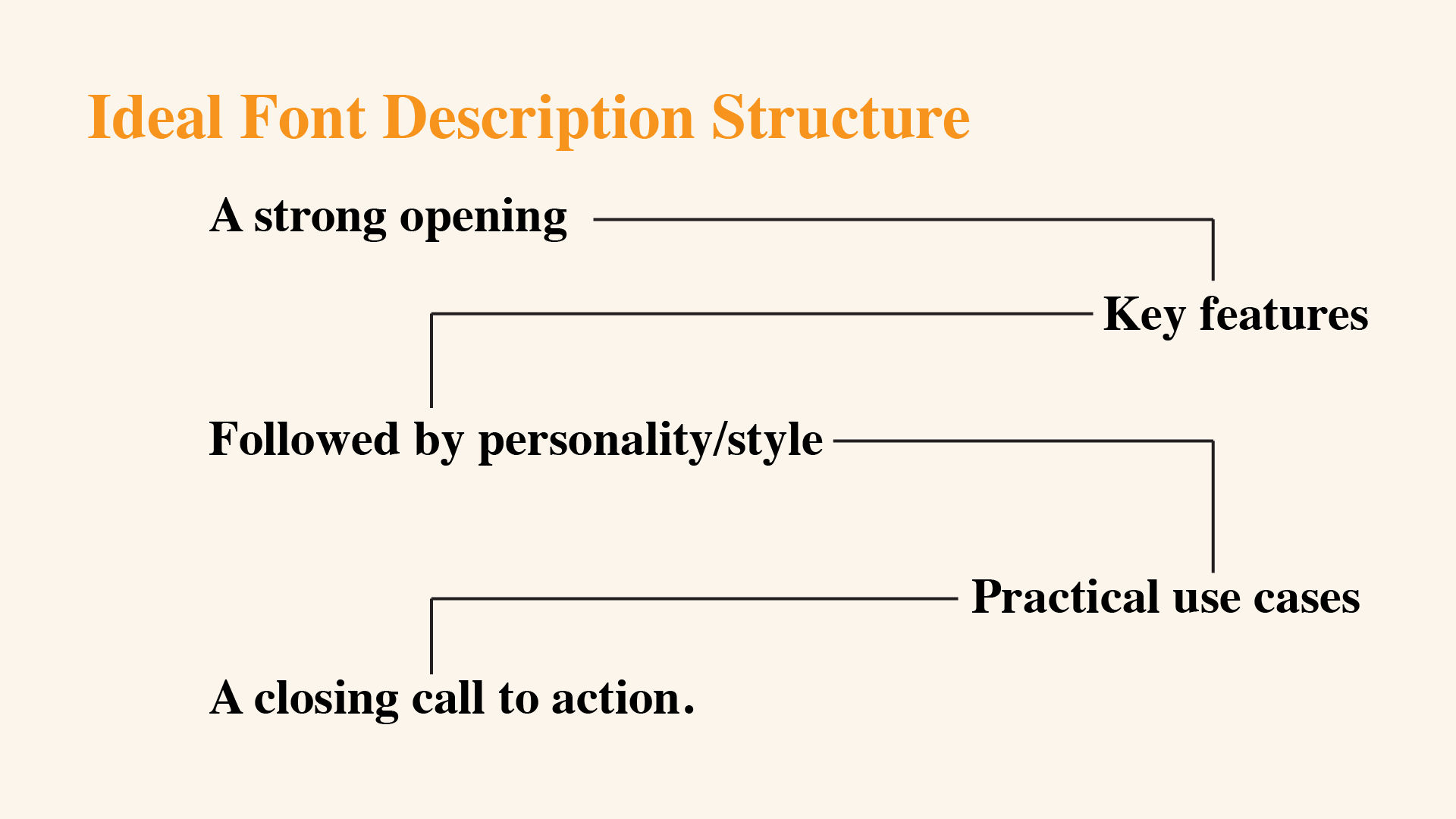
Don’t just list features—tell a story. Use emotional triggers and persuasive language to tap into the buyer’s goals and feelings.
Example:
“Bring a touch of hand-crafted charm to your next project with this playful brush script, designed to spark joy and creativity.”
7. Make It Easy to Read

Structure your description with short paragraphs, bullet points, or line breaks. Avoid long, dense text blocks. Consider using formatting like bold for important terms.
8. Close With a Call to Action
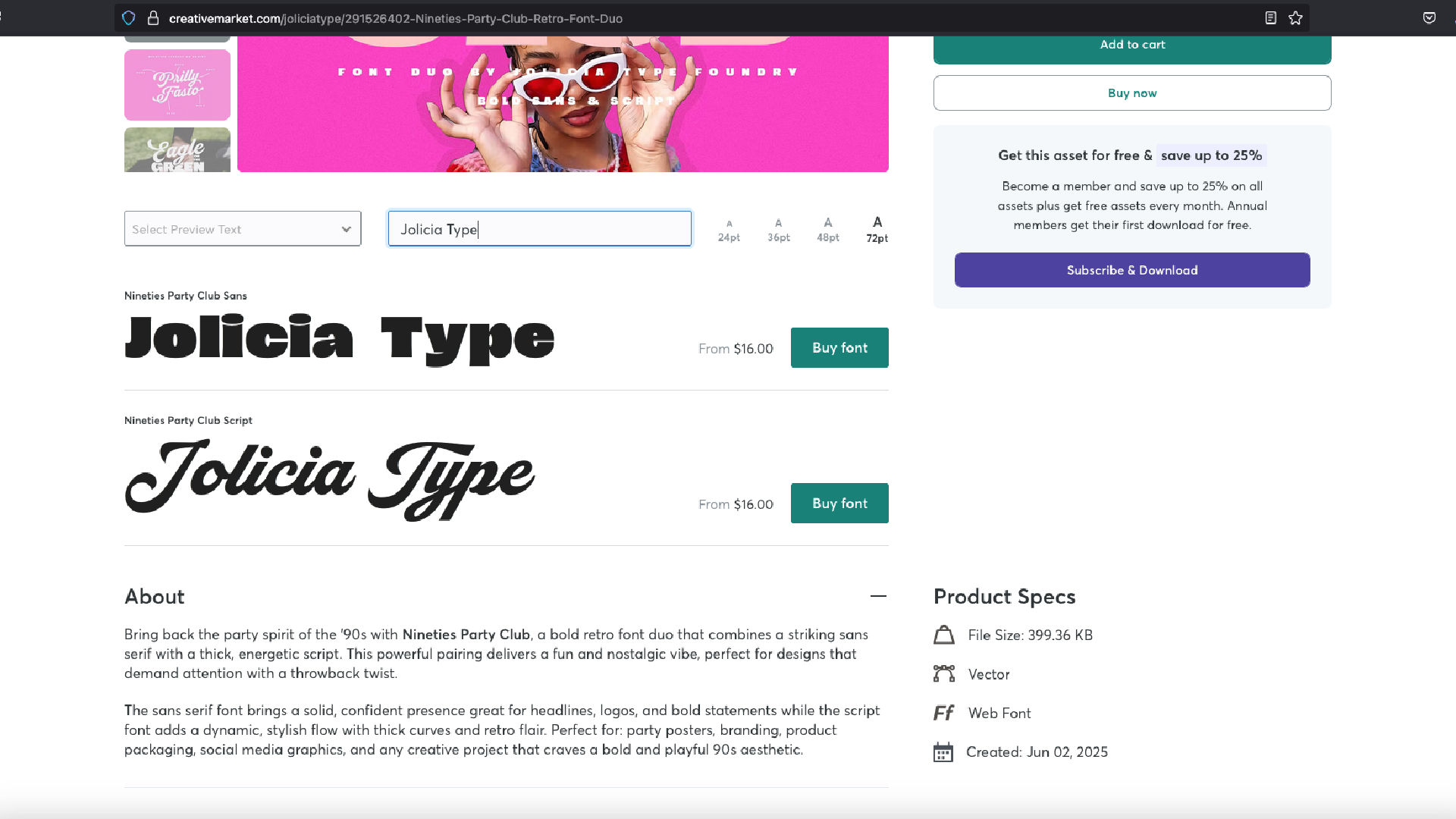
Encourage the reader to take the next step, such as:
- Try it out today and elevate your typography.
- Add this versatile font to your design toolkit now.
- Get instant access and start creating bold, unforgettable designs.
Final Thought
Your font speaks through its design—but your words speak for the value it offers. A great description is not just informative—it’s persuasive, inspiring, and tailored to your ideal customer. Whether you’re selling on your website, Creative Market, MyFonts, or Etsy, strong copy makes a difference.
Start treating your font descriptions like your first sales pitch. Because in a marketplace full of letters, your words matter.