
Auto-Tracing vs Manual Glyph Drawing: Which Typeface Creation Technique Wins?
Auto-Tracing vs Manual Glyph Drawing: Which Typeface Creation Technique Wins?
In the world of type design, two primary techniques dominate the process of crafting individual letterforms: auto-tracing and manual glyph drawing. Each method offers distinct advantages and drawbacks, depending on the designer’s goals, tools, and level of experience. Whether you’re a beginner trying to digitize hand lettering or a seasoned professional working on a refined serif font, understanding these two approaches can significantly influence the quality and style of your final typeface.
What Is Auto-Tracing?
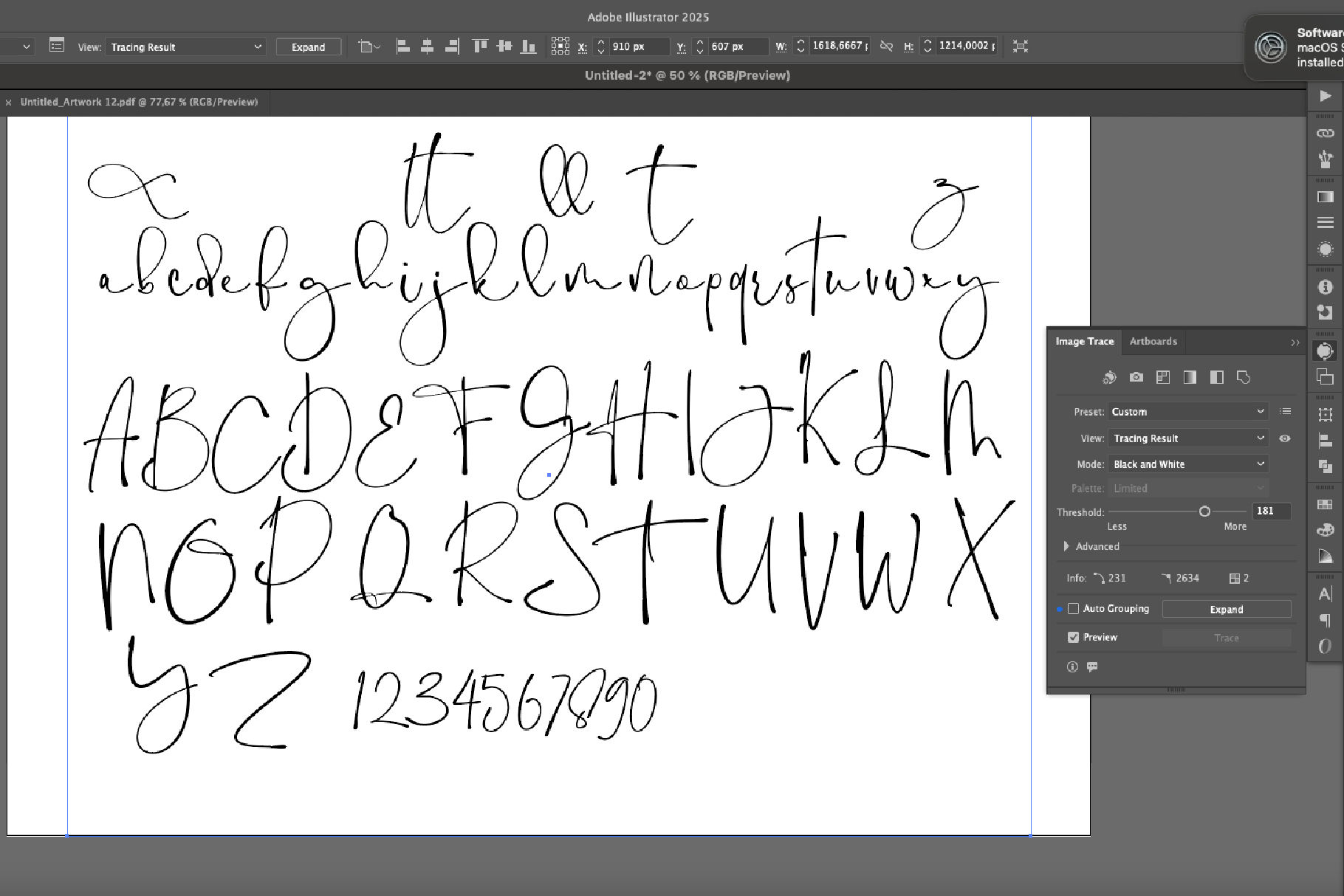
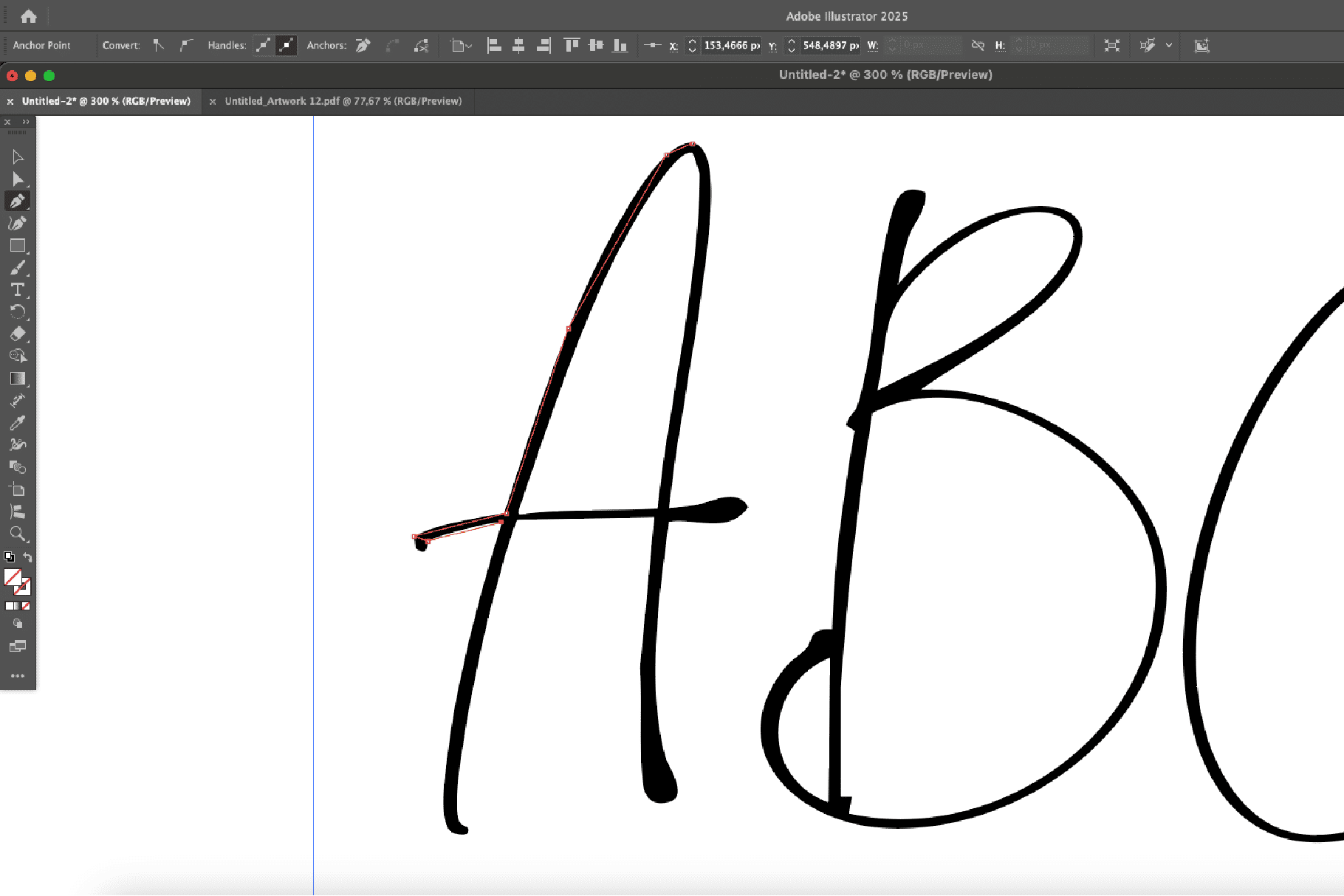
Auto-tracing refers to the process of converting raster images—usually scanned sketches or hand-drawn letters—into vector outlines using software algorithms. Popular tools like Adobe Illustrator’s Image Trace, FontForge, and FontLab’s Autotrace are often used to quickly digitize drawings.
Pros:
- Speed: Great for rapid prototyping or converting entire alphabets quickly.
- Easy digitization: Ideal for hand lettering artists who want to bring analog sketches into the digital realm.
- Beginner-friendly: Minimal drawing skills needed in the digital environment.
Cons:
- Lack of precision: Auto-trace often results in messy paths and uneven curves.
- Excess anchor points: Can lead to bloated font files and poor scalability.
- Less control: Limited ability to fine-tune individual details or achieve professional polish.
What Is Manual Glyph Drawing?
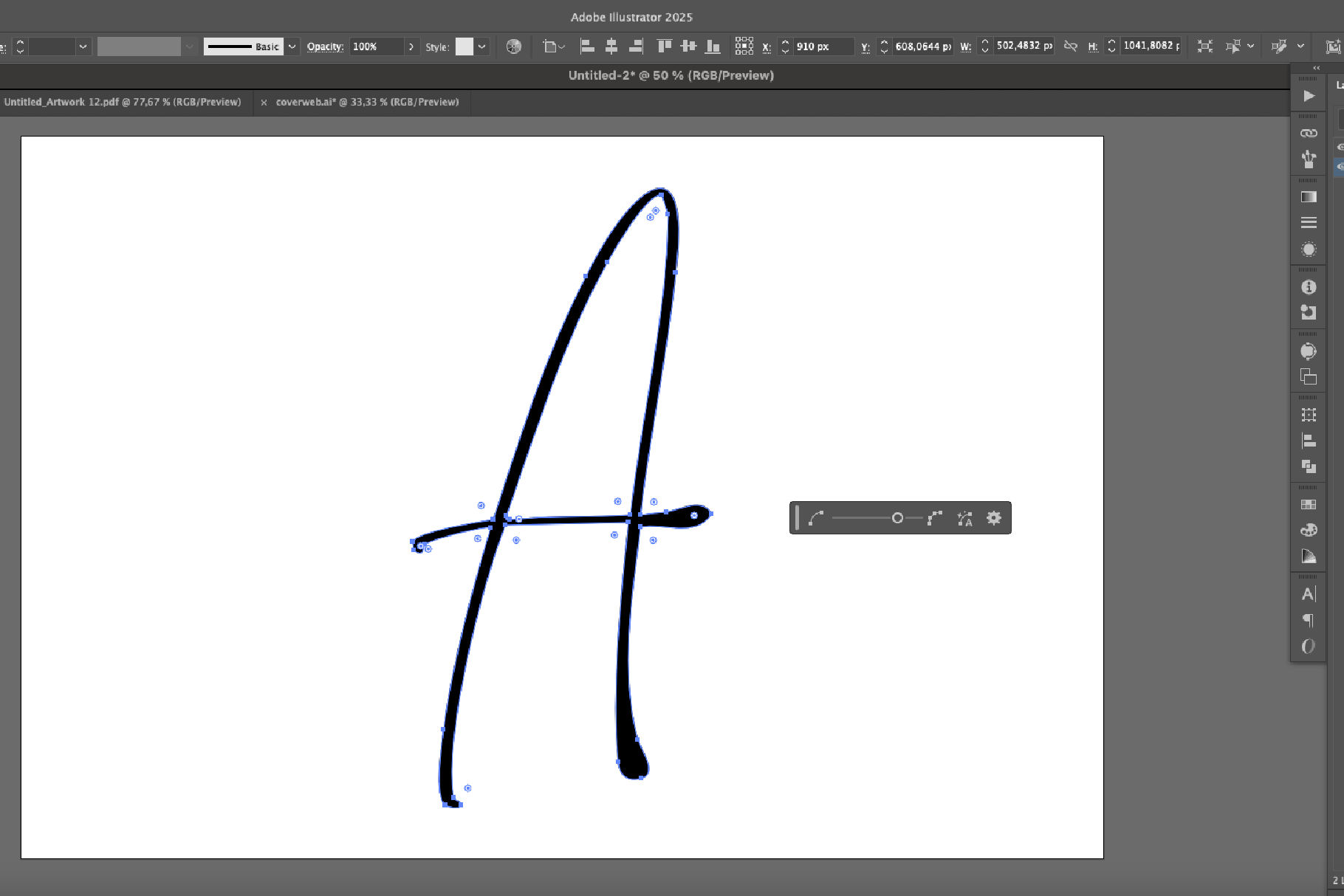
Manual glyph drawing involves crafting each letterform directly in a font editor (like Glyphs App, FontLab, or RoboFont) using bezier curves and pen tools. Designers start with clean shapes and adjust every curve and handle with precision.
Pros:
- Precision and control: Allows for pixel-perfect detailing and consistent spacing.
- Professional quality: Results in clean, optimized fonts ready for commercial use.
- Creative freedom: Easier to experiment with contrast, stroke width, and stylistic alternates.
Cons:
- Time-consuming: Drawing from scratch requires more effort and technical understanding.
- Steeper learning curve: Demands a good grasp of bezier curves, stroke balance, and visual rhythm.
When to Use Each Technique
- Use auto-tracing when working with expressive, hand-drawn fonts or when speed is more important than perfect curves (e.g., display type, personal use fonts).
- Choose manual drawing for high-end retail fonts, brand typefaces, or any design where optical balance and detail are crucial.
Best Practice: Combine Both
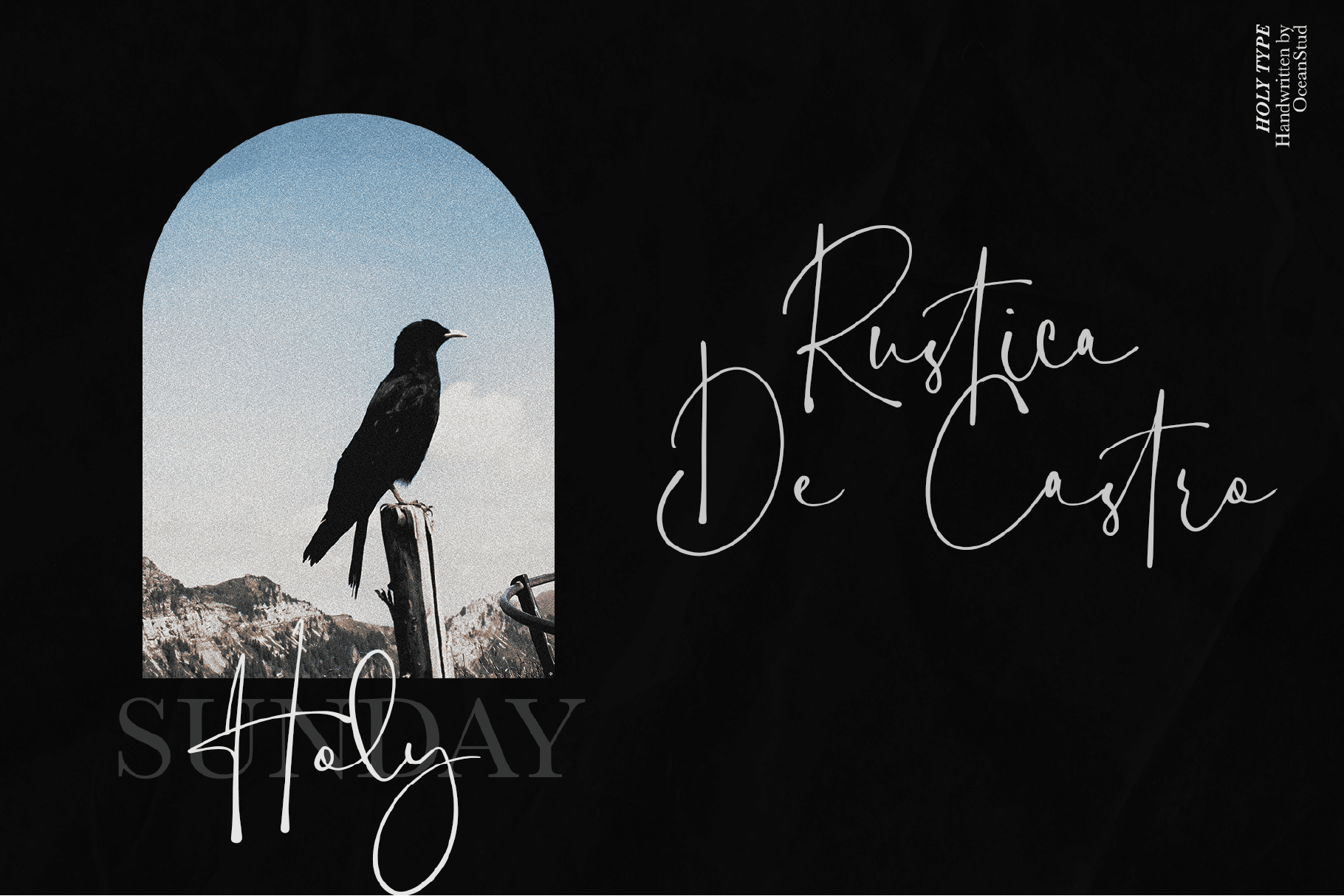
Many professionals use a hybrid approach: start with auto-tracing for base shapes, then refine each glyph manually. This method balances efficiency and precision, especially when developing custom lettering into a functional typeface.
Conclusion:
Both auto-tracing and manual glyph drawing have their place in the font design process. The key is knowing when to prioritize speed and when to value precision. Whether you’re digitizing a sketch or crafting a full type family, choosing the right method can elevate your work from good to exceptional.