
How to Choose the Right Typeface for Your Project
How to Choose the Right Typeface for Your Project

Choosing the right typeface isn’t just about picking something that looks nice. It’s about selecting a visual voice that supports your message, enhances readability, and evokes the right emotions. For graphic designers, understanding how to choose the right typeface for a project is a critical skill that can make or break the success of a design.
In this guide, we’ll explore a systematic approach to typeface selection, helping you make informed and strategic decisions that elevate your work.

Why Typeface Choice Matters
A typeface does more than convey words; it conveys feelings, attitudes, and brand values. Choosing the wrong typeface can:
- Mismatch the tone of your message
- Undermine professionalism
- Create confusion and visual clutter
Meanwhile, the right typeface can:
- Reinforce brand identity
- Enhance communication
- Improve user experience
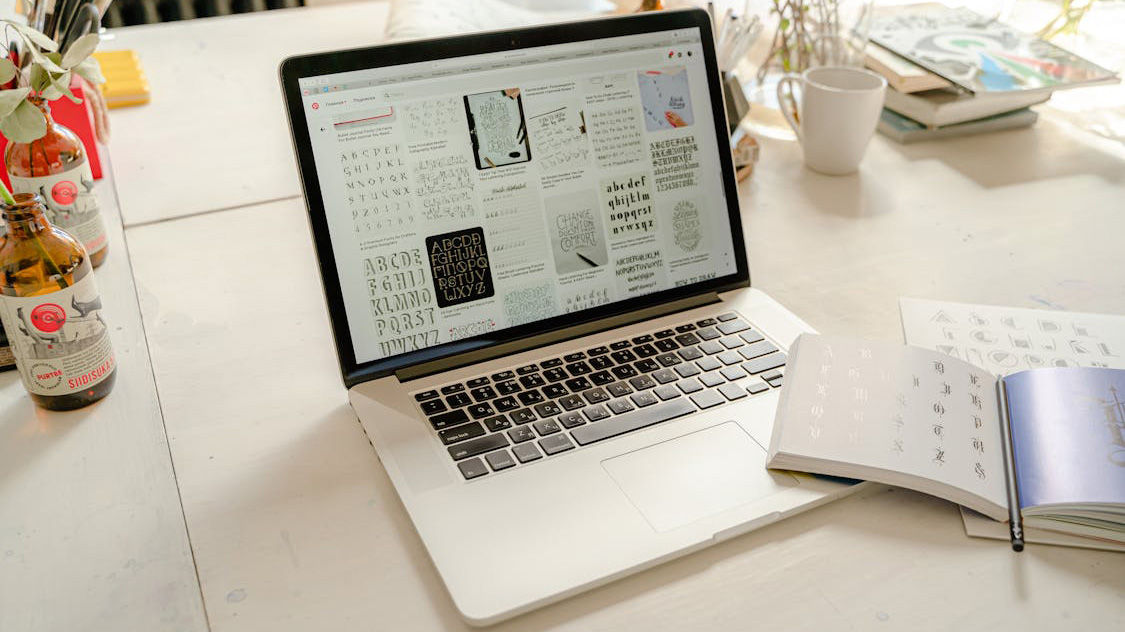
Step-by-Step Guide to Choosing the Right Typeface
1. Understand the Project’s Purpose
Start by asking: What is the goal of this design? Different purposes require different typographic approaches. For instance:
- A wedding invitation might need a delicate, script font.
- A tech startup website might call for a clean, modern sans-serif.
- A children’s book might benefit from playful, rounded type.
2. Know Your Audience
Who are you designing for? Age, profession, cultural background, and interests influence how audiences perceive typefaces. A serious corporate audience will respond differently to type compared to teenagers browsing a fashion website.
3. Consider Brand Personality
If you’re working within a brand context, match the typeface to the brand’s voice. Is the brand:
- Traditional or modern?
- Playful or serious?
- Luxurious or affordable?
Align the typography with these traits.
4. Evaluate Readability and Legibility
Never sacrifice clarity for style. Ask yourself:
- Is the font easy to read at various sizes?
- Is it legible in different mediums (print, web, mobile)?
Simple test: squint at the text. If you can’t distinguish characters, it’s not a good choice.
5. Think About Context and Medium
Where and how will the design be displayed?
- Print: High-contrast serifs often look great.
- Web: Clean, open sans-serifs usually perform better.
- Large Formats (billboards): Bold, simple typefaces are necessary.
- Small Formats (business cards): Choose typefaces with high legibility at small sizes.
6. Pair Fonts Thoughtfully
If you’re using multiple fonts, ensure they complement each other. Some tips:
- Pair a serif with a sans-serif.
- Use contrast in weight and style.
- Avoid fonts that are too similar (they will clash).
Tools like Google Fonts, Font Pair, or curated font bundles can help you find harmonious combinations.
7. Check Technical Details
Professional typefaces often come with:
- Multiple weights
- Extended character sets
- Language support
- OpenType features (ligatures, alternate characters)
Choosing a well-equipped font saves time and expands design possibilities.
8. Test in Real Scenarios
Don’t just preview in a sample text box. Test the font in actual design mockups:
- Headlines
- Paragraphs
- Buttons
- Captions
Seeing fonts in context helps you spot issues early.
9. Mind the Licensing
Always ensure the font license covers your project’s needs. Commercial, web, app, and broadcast licenses differ. Using unlicensed fonts can lead to legal trouble.
10. Trust Your Instincts (But Validate Them)
After doing your research and testing, trust your design intuition. Good typography is both an art and a science. But always validate choices with clear, objective reasoning.
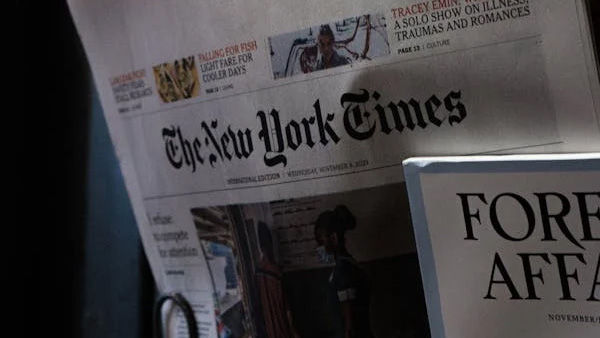
Examples of Good Typeface Choices
- New York Times: Uses traditional serif fonts for authority and seriousness.
- Airbnb: Uses friendly, rounded sans-serifs to convey approachability.
- Nike: Utilizes bold, high-impact fonts that reflect energy and strength.
Each of these brands aligns their typography perfectly with their brand message and audience.
Common Mistakes to Avoid
- Choosing fonts just because they’re trendy
- Ignoring hierarchy and structure
- Using decorative fonts for body copy
- Skipping font testing on multiple devices
- Overcomplicating font combinations

Tools and Resources for Typeface Selection
- Google Fonts: Free, web-optimized fonts
- Adobe Fonts: Wide variety of high-quality fonts
- Font Pair: For pairing inspiration
- Wordmark.it: Quickly preview words in multiple fonts
Conclusion: Typography is Voice and Personality
The right typeface transforms a design from good to unforgettable. By understanding your project’s goals, audience, and context, you can make smart, strategic font choices that:
- Communicate clearly
- Strengthen branding
- Enhance user experience
Always remember: typography is not just decoration. It’s an essential element of communication.
The more deliberate you are with your typeface selections, the stronger your designs will become. Mastering typography is mastering one of the most powerful tools in a graphic designer’s toolkit.
Stay tuned for the next article where we’ll explore “Serif vs. Sans-Serif: When to Use Each in Design.” Your typography journey has just begun!