
The Ultimate Font Design Tools in 2025: FontLab, Glyphs & More
The Ultimate Font Design Tools in 2025: FontLab, Glyphs & More
If you’re looking to step into the world of type design or level up your font creation workflow, the right tool can make all the difference. Whether you’re a beginner exploring your first serif or a professional crafting a full font family with OpenType features, this guide covers the top font design tools available today — including FontLab, Glyphs, and more.
1. FontLab 8 — The Industry Powerhouse
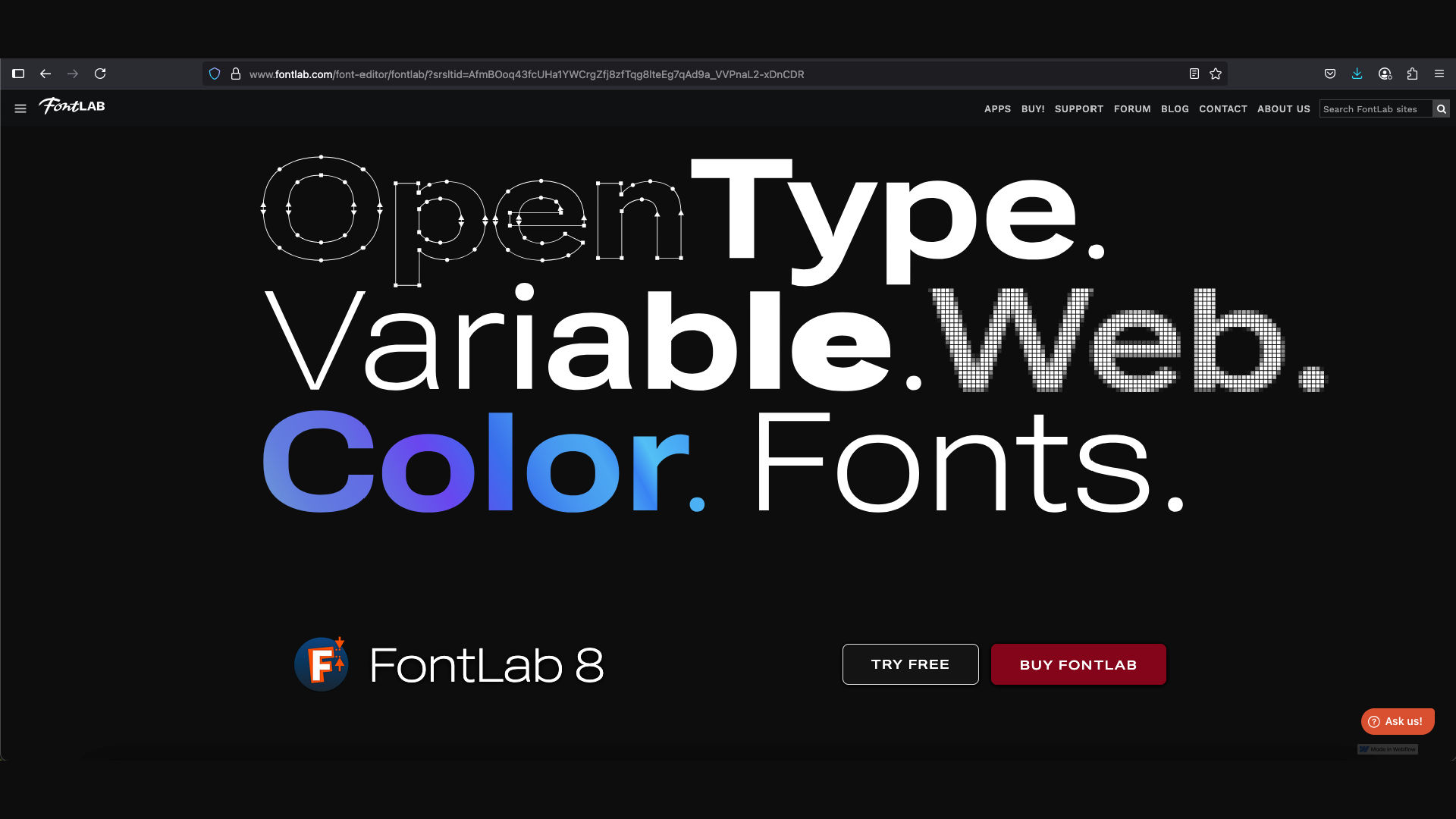
FontLab is one of the most powerful and comprehensive font editors on the market. It’s used by many professional type designers for a reason.
Why FontLab?
- Full-featured editing: Draw, space, kern, and hint all in one place.
- Supports variable fonts, color fonts, and OpenType features.
- Works well with both Bézier curves and TrueType outlines.
- Ideal for creating multi-weight font families.
Best For: Advanced users, full-feature font families, and technical precision.
Platform: Windows & macOS
2. Glyphs 3 — Elegant & Intuitive for Mac Users
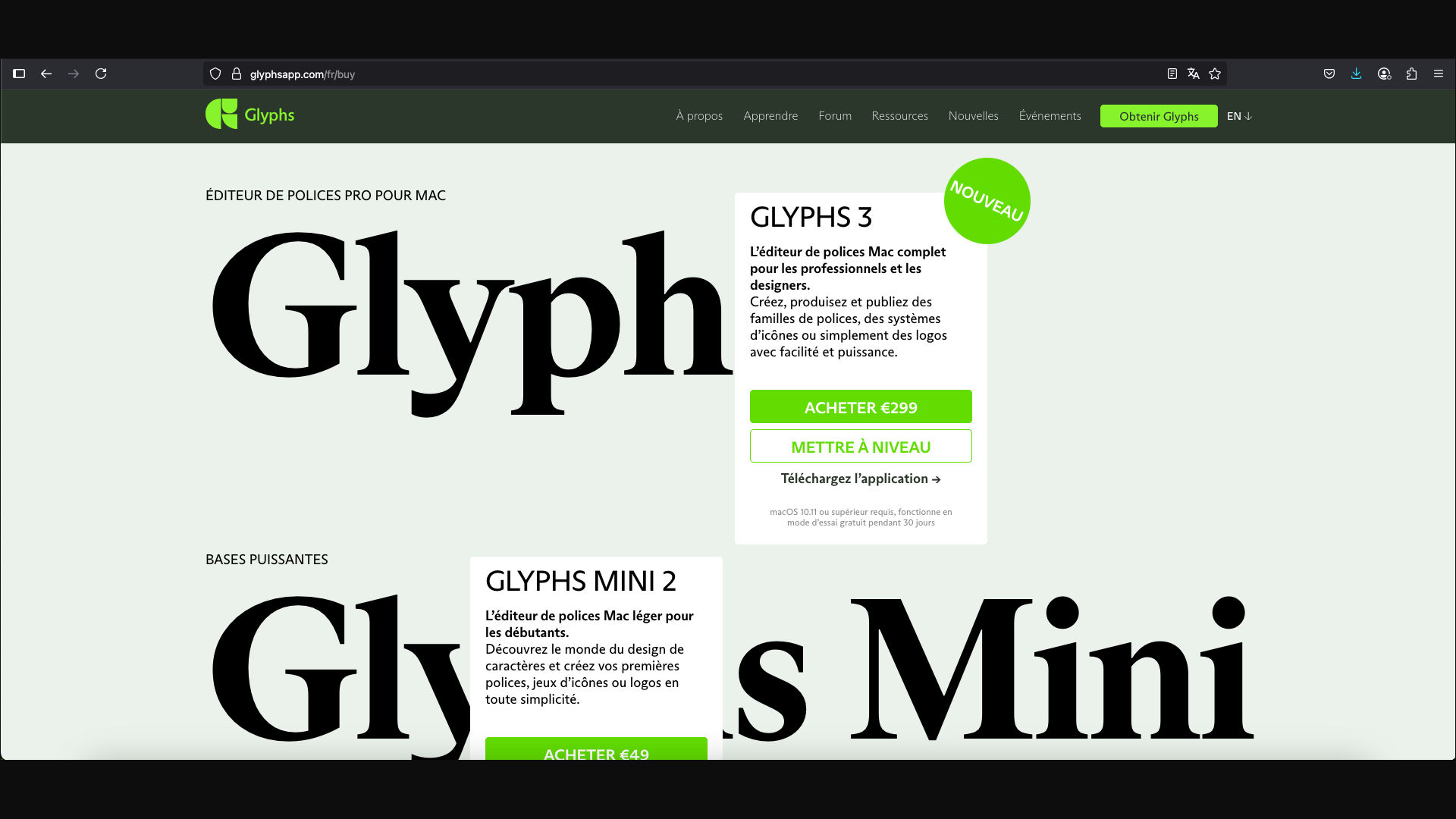
Glyphs has become a favorite among modern type designers thanks to its smooth interface and smart features. It’s Mac-only but incredibly efficient.
Why Glyphs?
- Simple, clean interface with real-time previews.
- Smart components and auto-alignment tools.
- Excellent for Latin-based fonts and multilingual support.
- Lightweight yet powerful scripting capabilities via Python.
Best For: Mac users, freelancers, and UI/UX designers who want control and speed.
Platform: macOS only
3. RoboFont — For the Python-Powered Designer
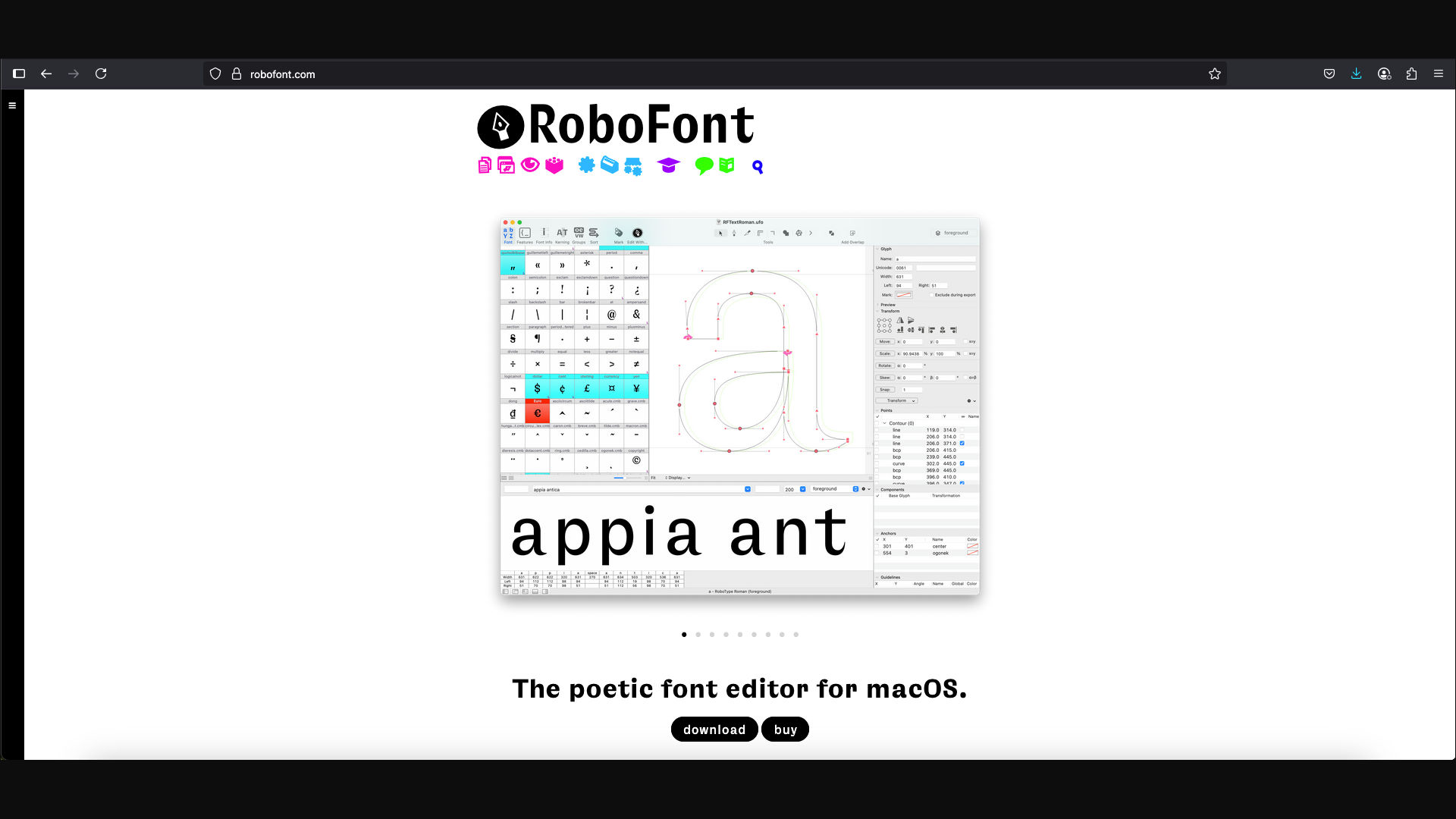
RoboFont is a UFO-based font editor with a minimal interface and deep scripting support. It’s ideal for those who love to customize their workflow.
Why RoboFont?
- Built entirely with Python scripting in mind.
- Highly extensible and modular.
- Perfect for building custom tools or plugins.
Best For: Type geeks, code-savvy designers, and experimental font creators.
Platform: macOS only
4. FontForge — Open-Source & Versatile
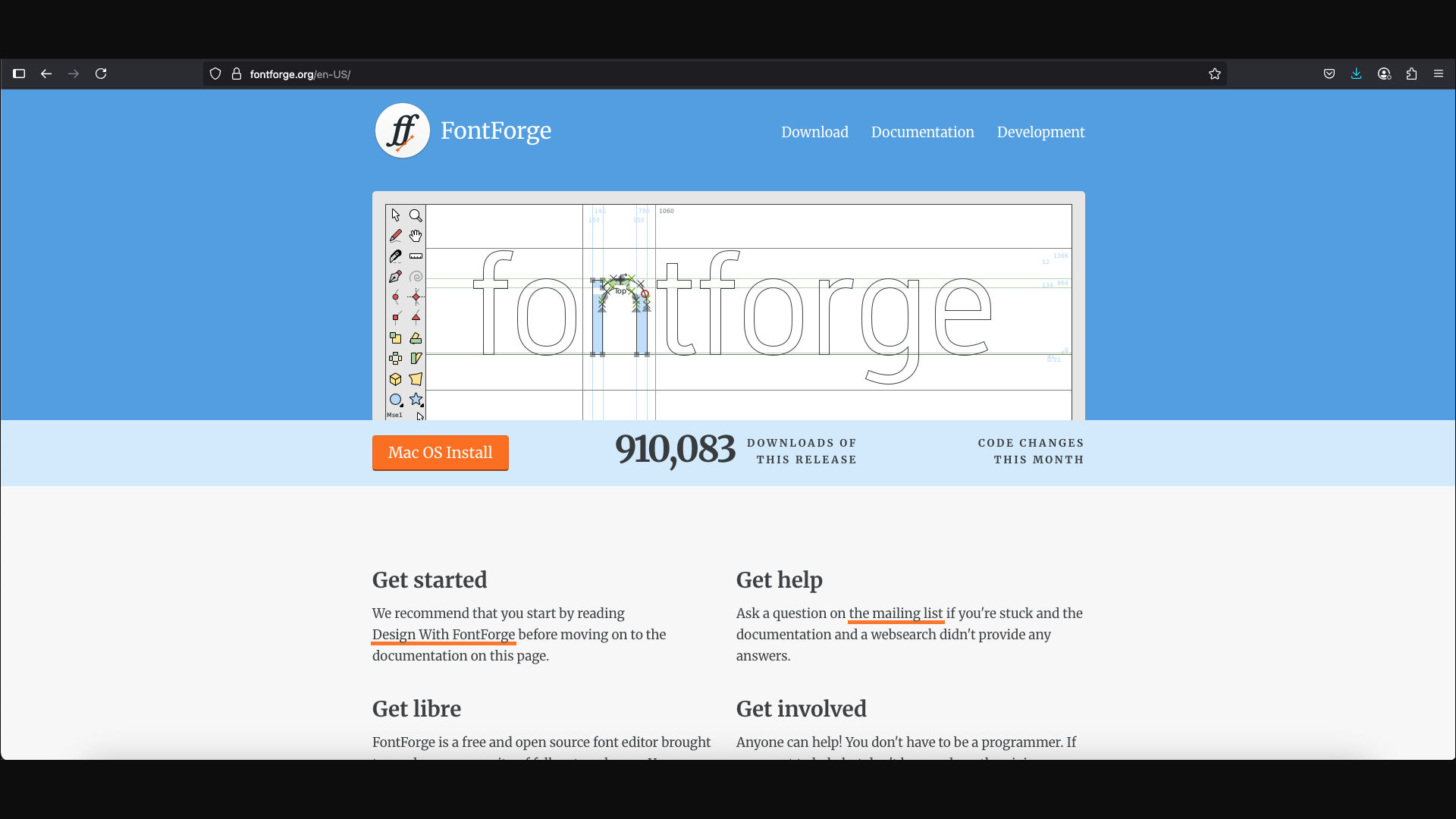
FontForge may not be the most polished interface-wise, but it’s a free, open-source option that still gets the job done.
Why FontForge?
- Free and open-source.
- Supports many font formats including OTF, TTF, and SVG.
- Available on Windows, macOS, and Linux.
Best For: Beginners on a budget, hobbyists, or developers exploring type design.
Platform: Cross-platform
5. BirdFont — Beginner-Friendly and Cross-Platform
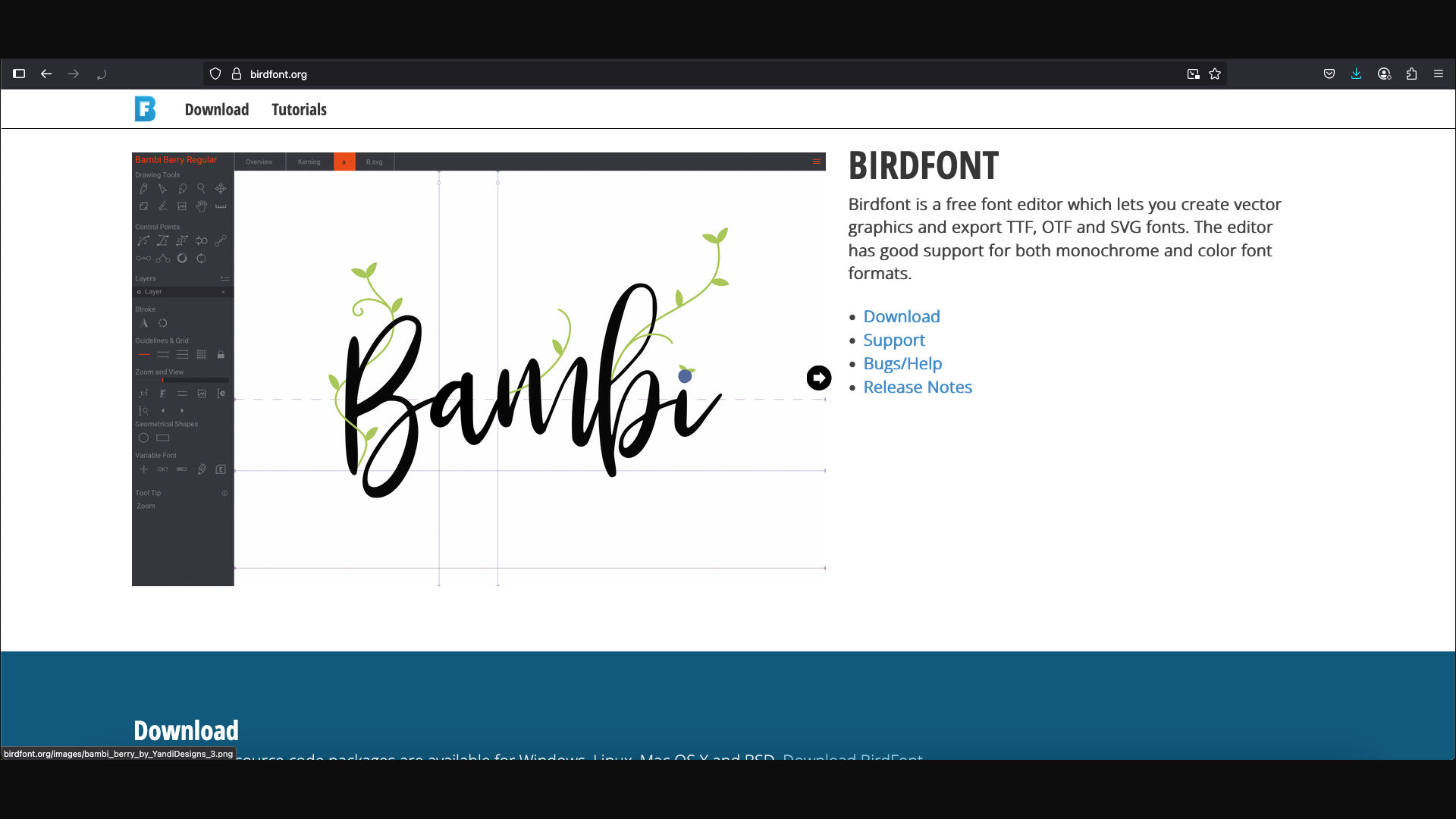
BirdFont is another free font editor, designed to be simple and approachable. It’s great for those starting out or working on basic type projects.
Why BirdFont?
- Easy to use for beginners.
- Supports color fonts and vector graphics.
- Built-in SVG import and web font export options.
Best For: Entry-level users, designers working on display fonts or web fonts.
Platform: Windows, macOS, Linux
🧠 Bonus: What Should You Look for in a Font Design Tool?

When choosing a font editor, consider these questions:
- Do you need advanced OpenType support?
- Are you creating variable fonts?
- Do you prefer a GUI or scripting-based workflow?
- What’s your budget and operating system?
💡 Final Thoughts
Each font design tool has its strengths, and the best one depends on your goals and experience level. If you’re serious about becoming a type designer, tools like FontLab and Glyphs are worth the investment. For beginners or developers, FontForge or BirdFont offer a great place to start.
No matter what tool you choose, remember: the most important thing is not the software — it’s your creativity and vision.