
From Sketch to Sale: The Complete Workflow of Creating and Releasing a Font
From Sketch to Sale: The Complete Workflow of Creating and Releasing a Font
Creating a font is more than just drawing letters—it’s an art and a process. Behind every typeface lies a detailed workflow that transforms a simple sketch into a polished digital font available for download or sale. Whether you’re a beginner or aspiring type designer, understanding this full journey can help you work more efficiently and creatively. Here’s how it all unfolds:
1. Idea & Conceptualization

Every great font starts with a clear concept. Is your typeface going to be bold and modern, or elegant and script-like? Ask yourself:
- What purpose will the font serve?
- Who is the target user?
- What emotions or tone should it convey?
At this stage, mood boards, references from vintage signage, nature, architecture, or calligraphy help establish visual direction.
2. Hand Sketching the Letters

Grab your pencil, brush pen, or iPad and begin sketching basic characters—usually uppercase and lowercase A–Z, numerals, and some punctuation. Focus on consistency in style, spacing rhythm, and distinctive features.
Pro Tip: Start with control characters like “H”, “O”, “n”, and “o”—they help define proportions and spacing for the rest.
3. Digitization
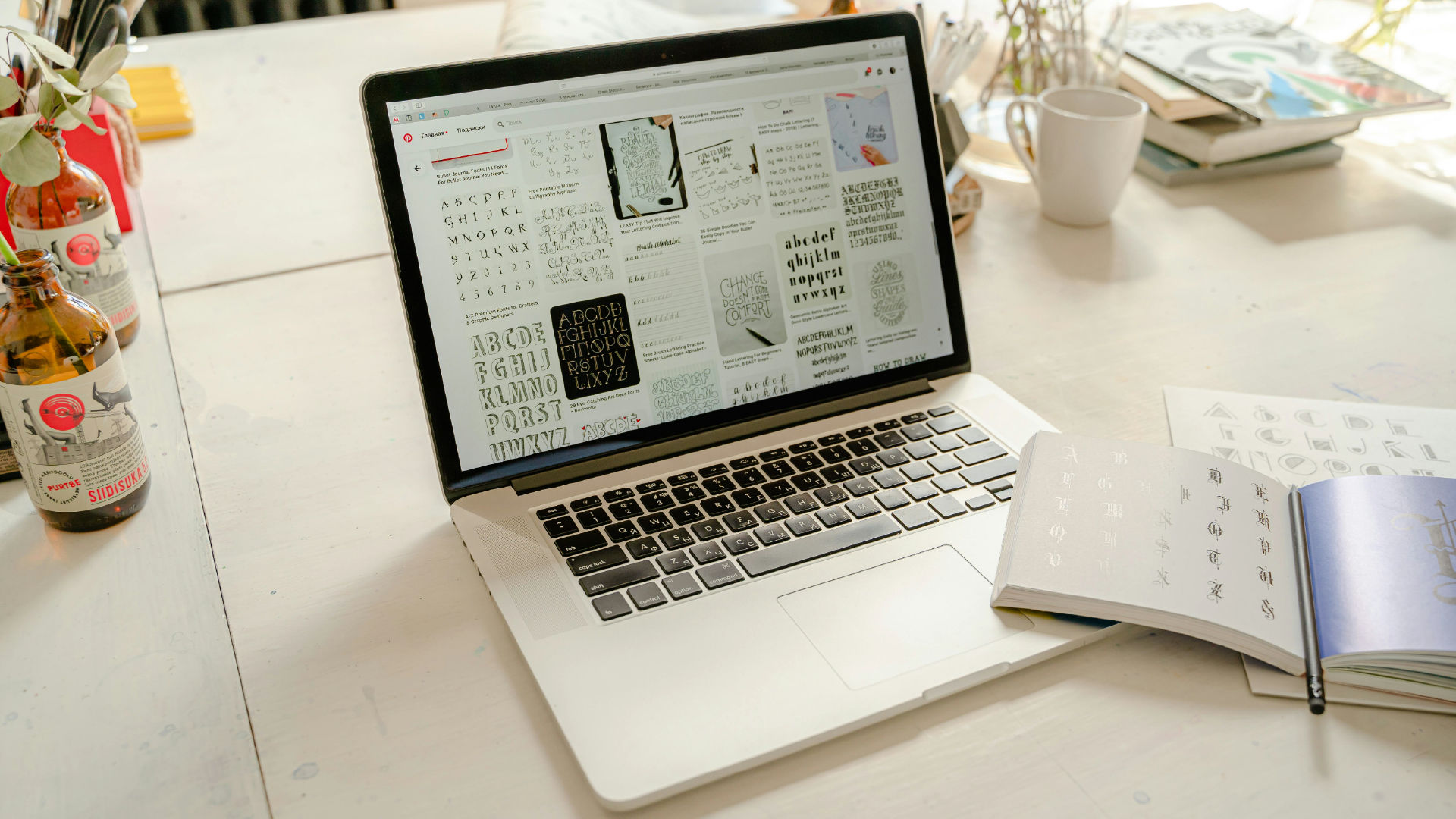
Use a vector-based design software like Adobe Illustrator or draw directly in a font editor like FontLab, Glyphs, or FontForge.
- Trace your sketches carefully.
- Focus on clean bezier curves and consistent stroke weight.
- Convert the vectors into glyphs and assign them Unicode values.
4. Font Building in a Font Editor

Move your glyphs into a font editor (FontLab, Glyphs, Robofont, or FontForge). Here’s where technical font development begins:
- Align baseline, x-height, cap height, and ascender/descender lines.
- Adjust spacing (sidebearings) for each character.
- Create kerning pairs to ensure smooth letter combinations.
This stage requires patience—every tiny optical imbalance matters.
5. OpenType Features & Alternates
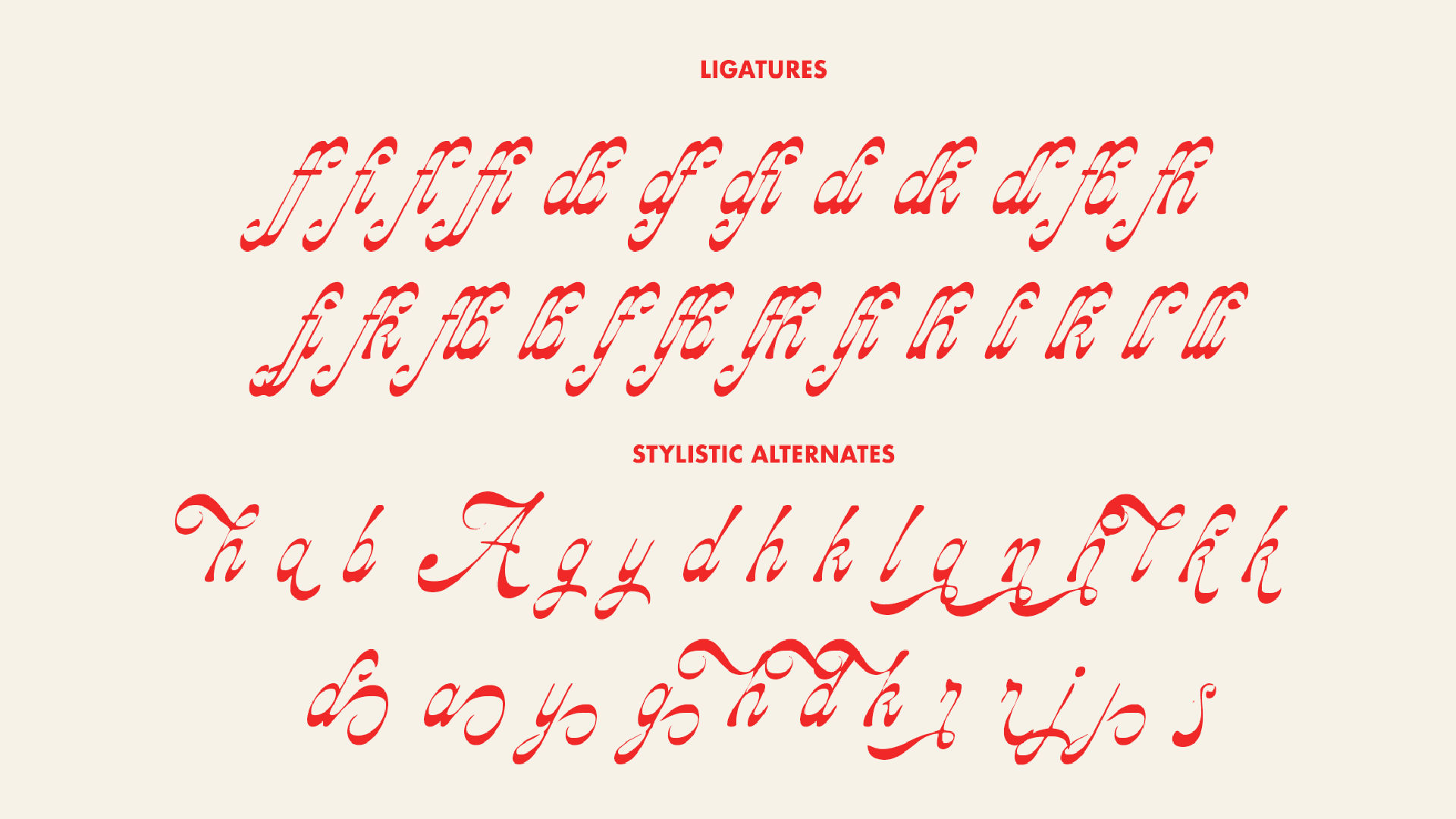
Add extra functionality to your font:
- Ligatures (e.g., “fi”, “fl”)
- Stylistic alternates (swashes, loops)
- Contextual alternates or variable fonts for versatility
These features elevate the user experience, especially for display fonts or branding use.
6. Testing Your Font
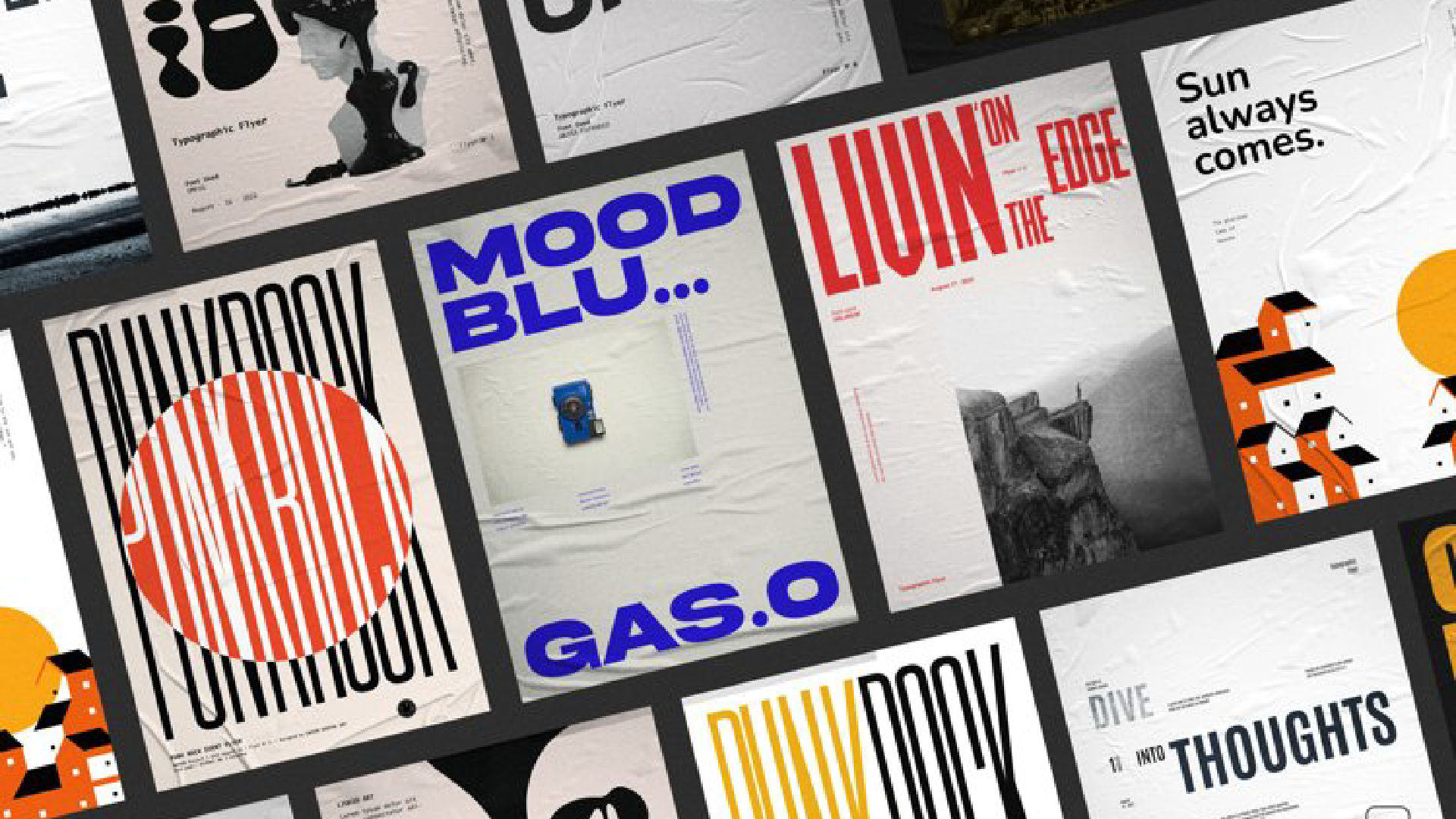
Testing ensures the font works well in real-world scenarios. Export your font (OTF, TTF, WOFF) and:
- Use it in mockups (posters, apps, branding)
- Check legibility at different sizes
- Validate spacing and kerning in various languages
Tools like FontBakery or FontValidator can help detect technical issues.
7. Creating Marketing Assets
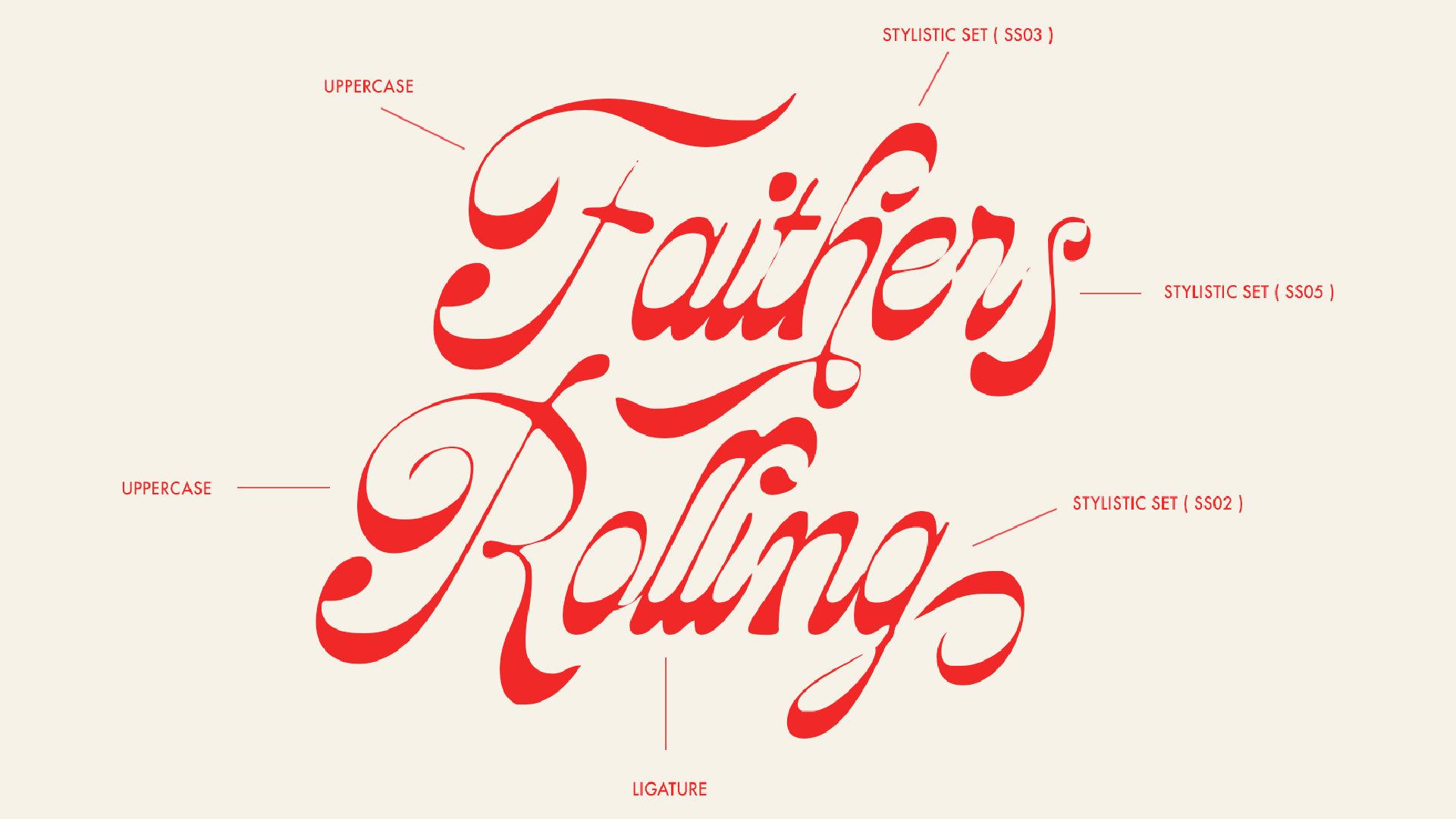
To release a font, you need more than just the files. Prepare:
- Font specimen sheets or posters
- Mockups showing font in use
- A product description explaining style, features, and usage
- PDF guide on installation and alternate glyph access
8. Licensing & Pricing
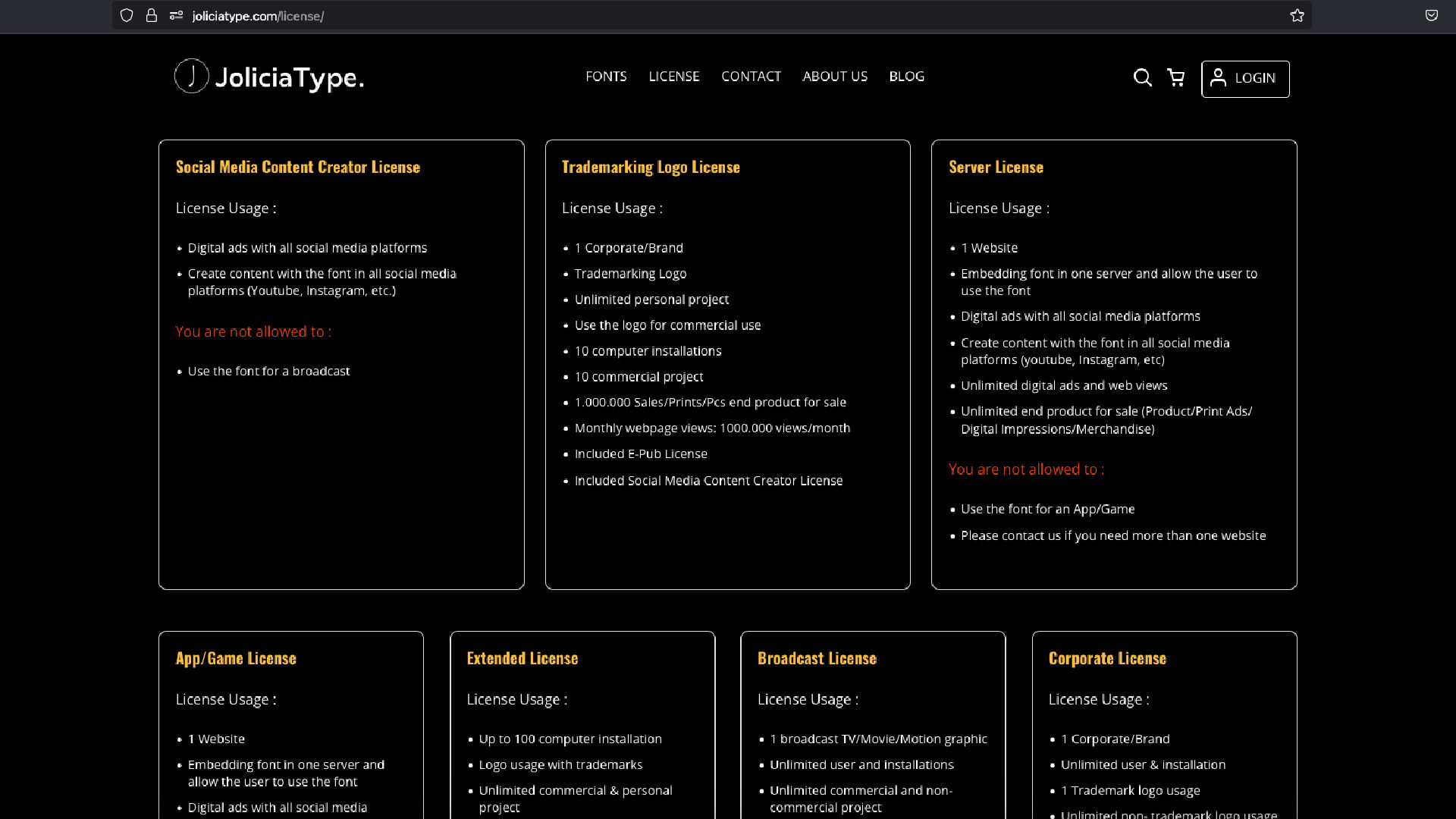
Determine how your font can be used (personal, commercial, web, app, etc.). Create clear licensing terms and price your font accordingly—consider:
- Single font vs. family
- Number of users/devices
- Exclusive or custom license options
9. Distribution
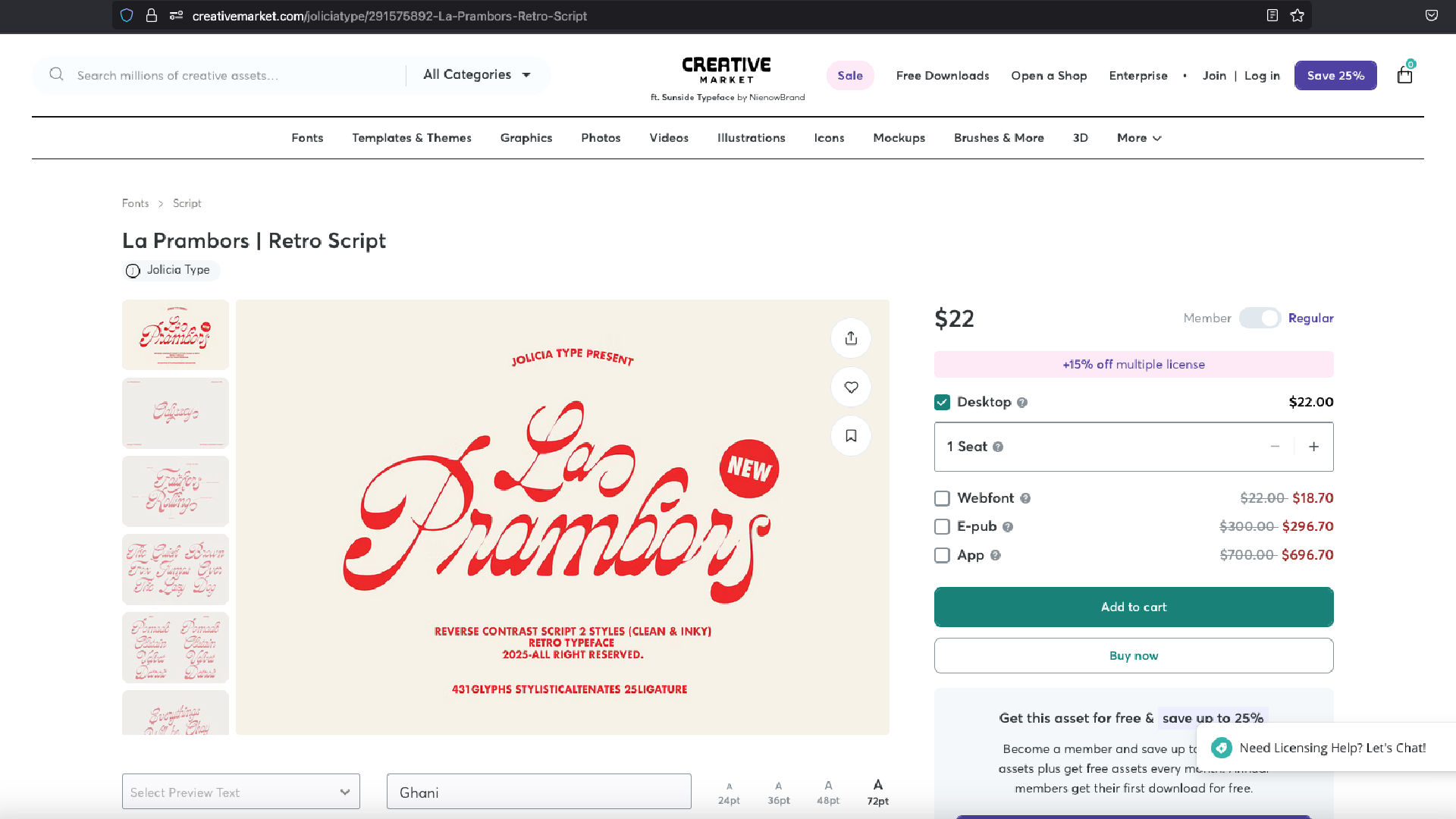
Choose where and how to sell or distribute your font:
- Your own website (e.g., using Gumroad or Shopify)
- Font marketplaces (Creative Market, MyFonts, Fontspring)
- Canva, Etsy, or other design platforms
Make sure your font metadata is clean, and your files are well-organized.
10. Post-Release Promotion
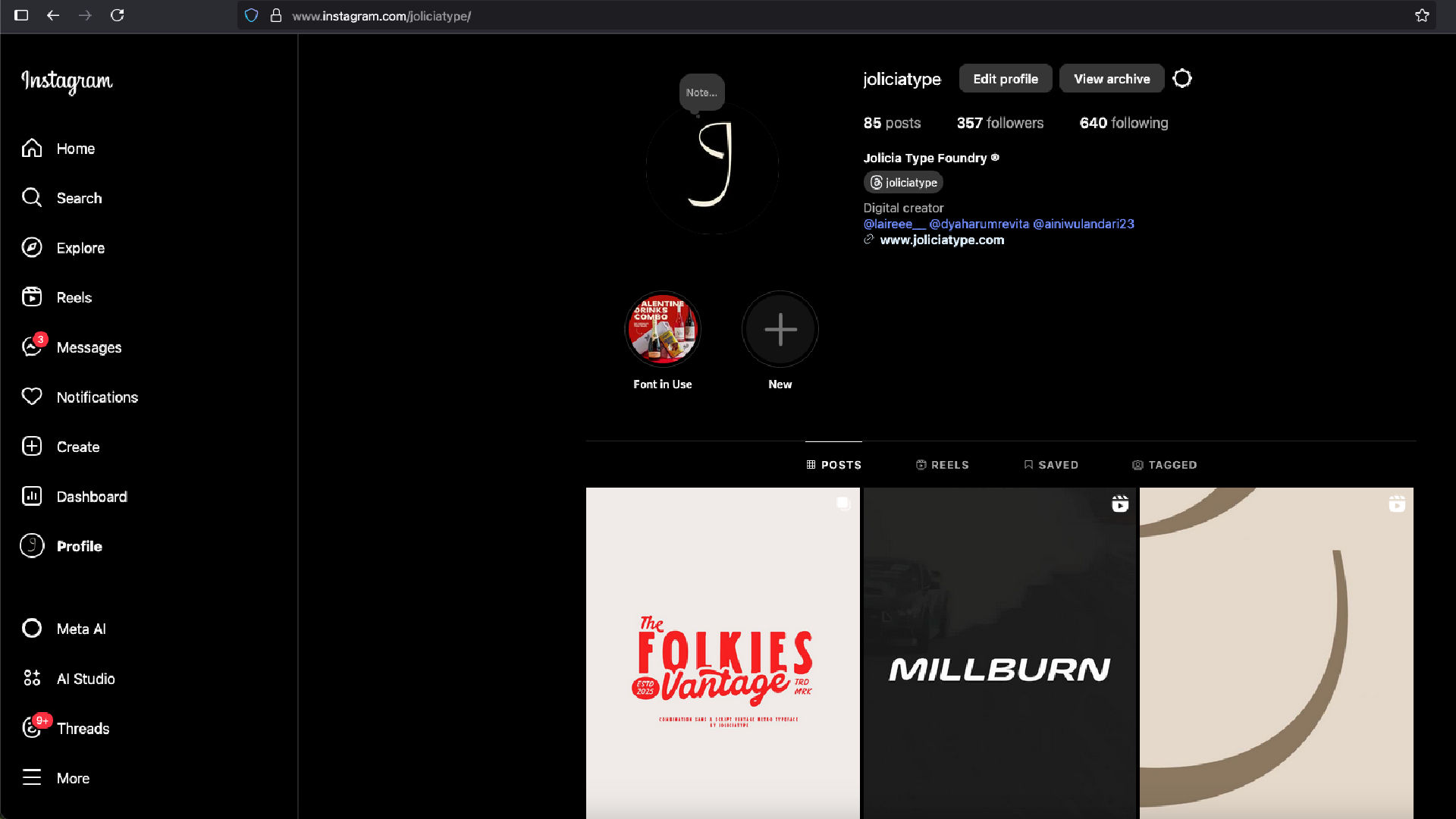
Announce your font across social media, newsletters, and font forums. Collaborate with designers or influencers to showcase it in real-world projects.
Bonus: Keep listening to user feedback for possible updates or improvements!
Conclusion
Creating and releasing a font is both a creative and technical process. Each step—whether drawing, spacing, coding features, or marketing—plays a vital role in crafting a usable and successful typeface. With the right workflow and passion for detail, your type design can go from a doodle to a digital product used by creatives around the world.