
Understanding Font File Formats: OTF, TTF, and WOFF Explained Simply
Understanding Font File Formats: OTF, TTF, and WOFF Explained Simply
What Are Font File Formats?
If you’re working in design, branding, or web development, you’ve probably come across font files with extensions like .otf, .ttf, or .woff. But what do these actually mean? Choosing the right font file format can affect how your text appears, loads, and functions—both on screen and in print. Let’s break down each format and understand where and why to use them.
1. OTF (OpenType Font)

Best for: Professional print design, advanced typography
OTF stands for OpenType Font, developed by Adobe and Microsoft. It supports a wide range of advanced typographic features like ligatures, alternate characters, small caps, and multilingual support. These features are especially useful for branding, packaging, editorial design, and professional layout software like Adobe InDesign.
✅ Advantages:
- Supports OpenType features (alternate glyphs, stylistic sets, etc.)
- Cross-platform compatibility (Windows & Mac)
- Ideal for high-quality print materials
2. TTF (TrueType Font)
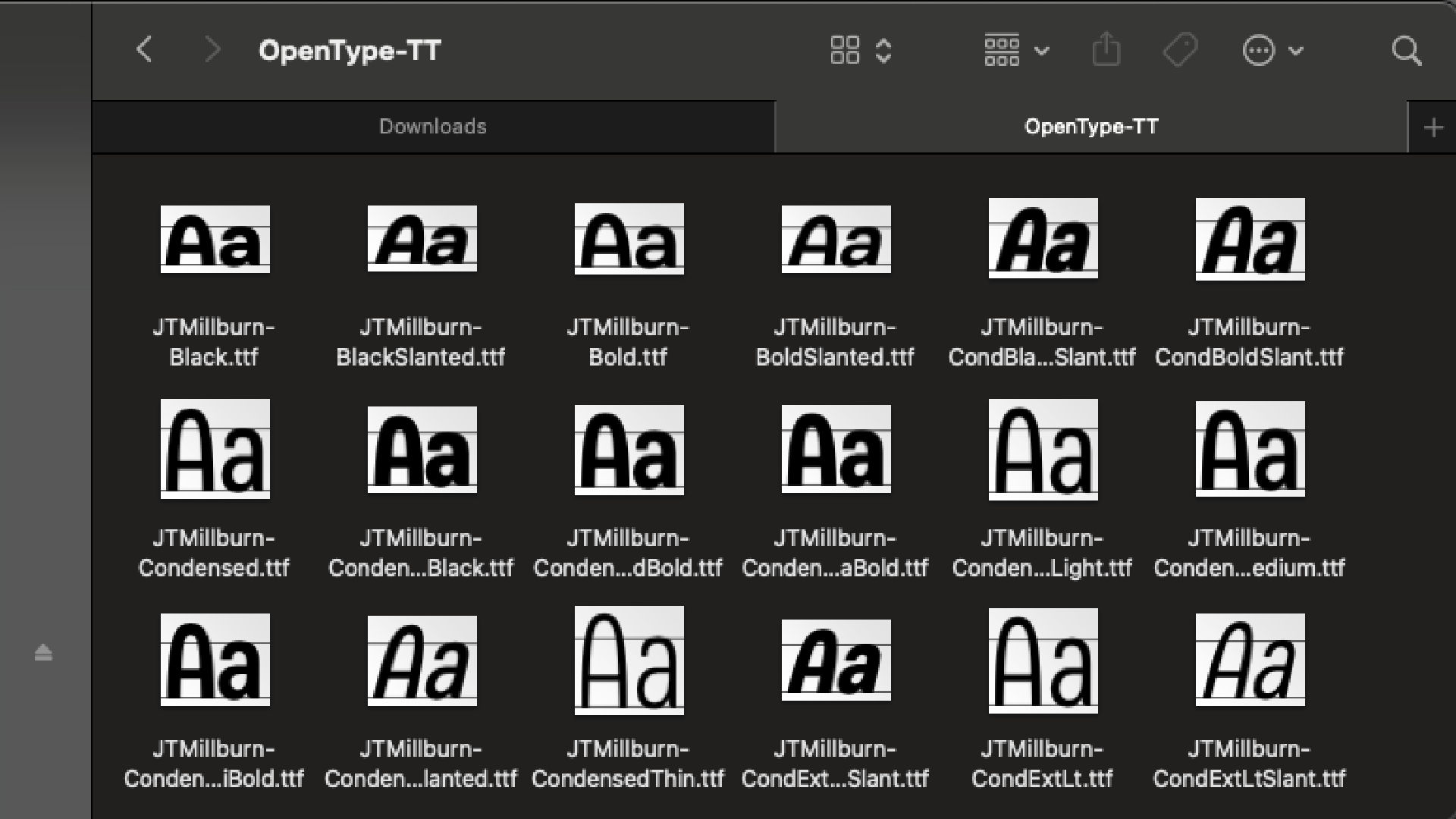
Best for: Basic desktop use, cross-platform compatibility
TTF, or TrueType Font, was developed by Apple in the 1980s. It’s one of the most common font formats and is widely supported on both Mac and Windows. It’s a great choice for basic text styling, simple desktop publishing, and software compatibility.
✅ Advantages:
- Universally supported
- Good screen readability
- Simpler structure, suitable for everyday use
3. WOFF (Web Open Font Format)
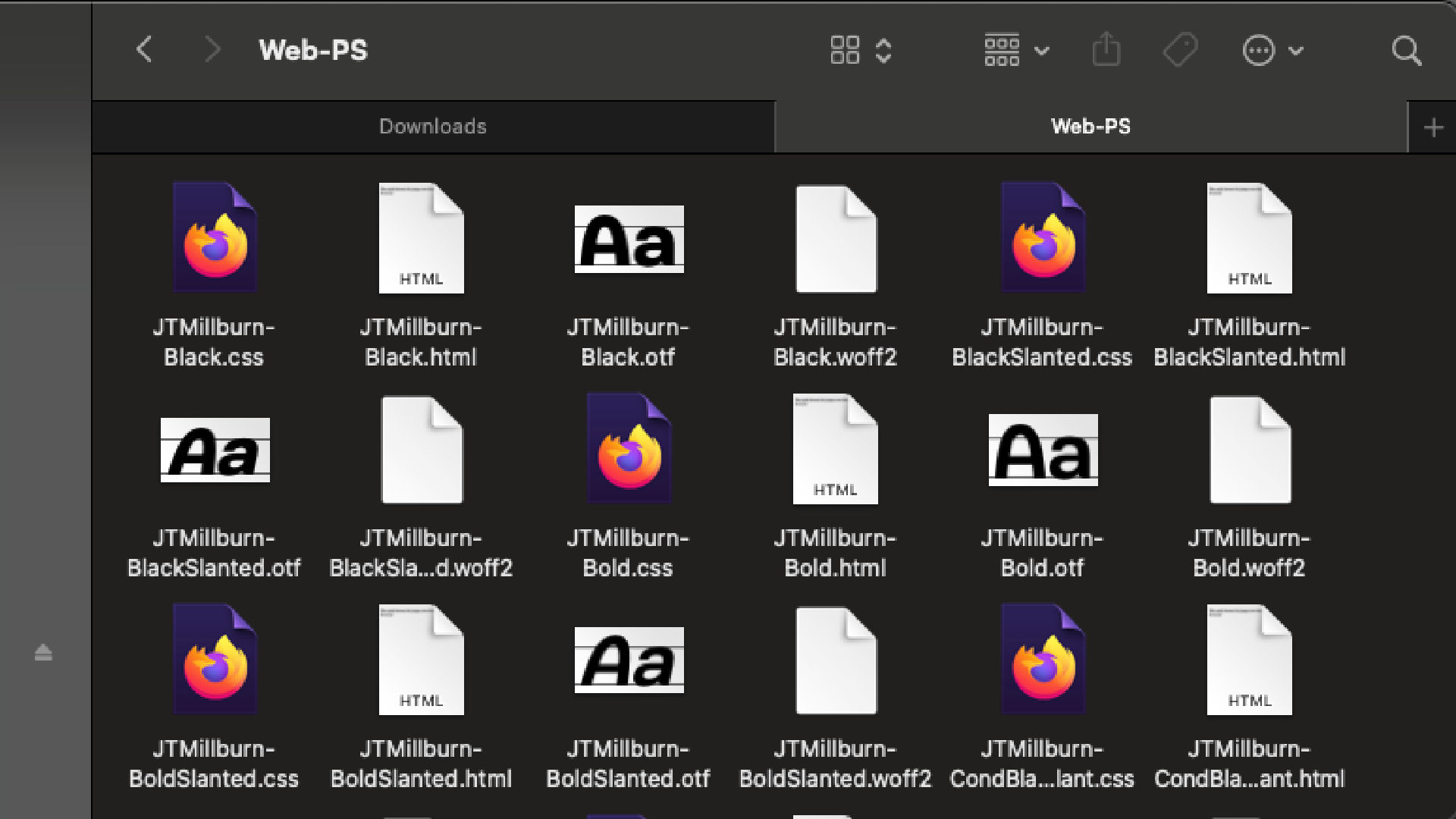
Best for: Websites and digital interfaces
WOFF, short for Web Open Font Format, is specially designed for the web. It compresses the font data to reduce page loading time and includes metadata for licensing. This format is supported by all modern browsers and is the standard format for embedding fonts in websites.
✅ Advantages:
- Lightweight and compressed for faster web loading
- Supported by all major browsers
- Includes font licensing data
Final Thoughts
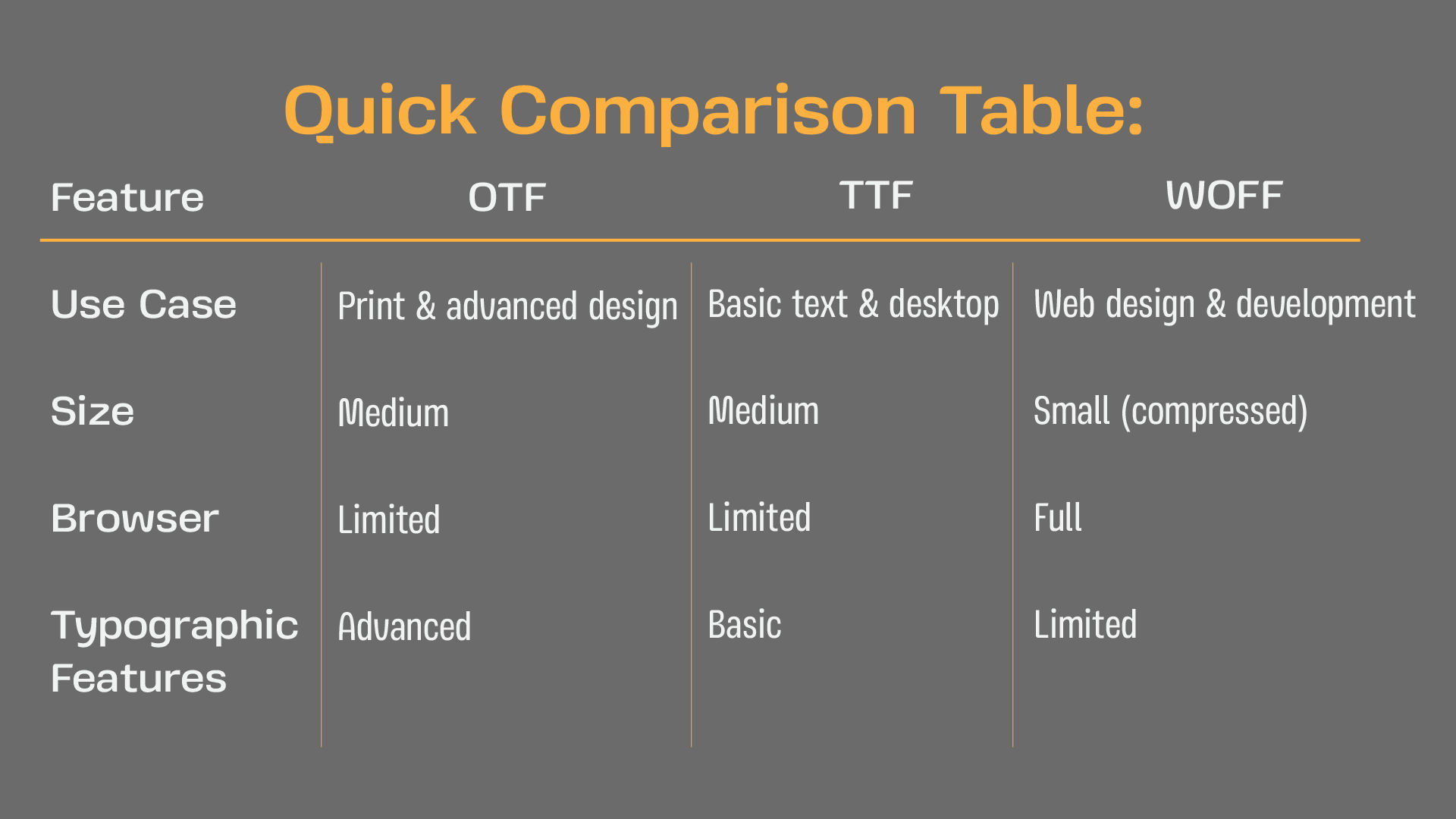
Choosing the right font format depends on your project needs. Use OTF when you want full typographic control for print or branding. Choose TTF for compatibility and general use. Opt for WOFF when speed and browser compatibility matter most in web design. Understanding these formats helps you deliver polished and professional results in any medium.