
Mastering the Details: Pro Tips for Designing Numbers, Punctuation, and Symbols in a Typeface
Mastering the Details: Pro Tips for Designing Numbers, Punctuation, and Symbols in a Typeface
While most designers focus on alphabet characters when creating a font, it’s the supporting characters — numbers, punctuation, and symbols — that often determine how complete and usable a typeface really is. These elements are crucial for editorial layouts, branding systems, and digital interfaces. A typeface without well-designed numerals or symbols will feel unfinished and less professional.
Let’s dive into practical and effective tips to help you design numerals, punctuation marks, and symbols that feel cohesive with your typeface family.
1. Start with the Same DNA
Consistency is key. Begin by referencing the visual characteristics of your alphabetic glyphs — stroke contrast, terminal styles, width proportions, and x-height. Your numerals and punctuation should inherit these traits so they harmonize with the overall look of the font.
Pro Tip: If your letters are wide and low-contrast, your numerals shouldn’t be narrow and high-contrast.
2. Align Your Numerals Correctly
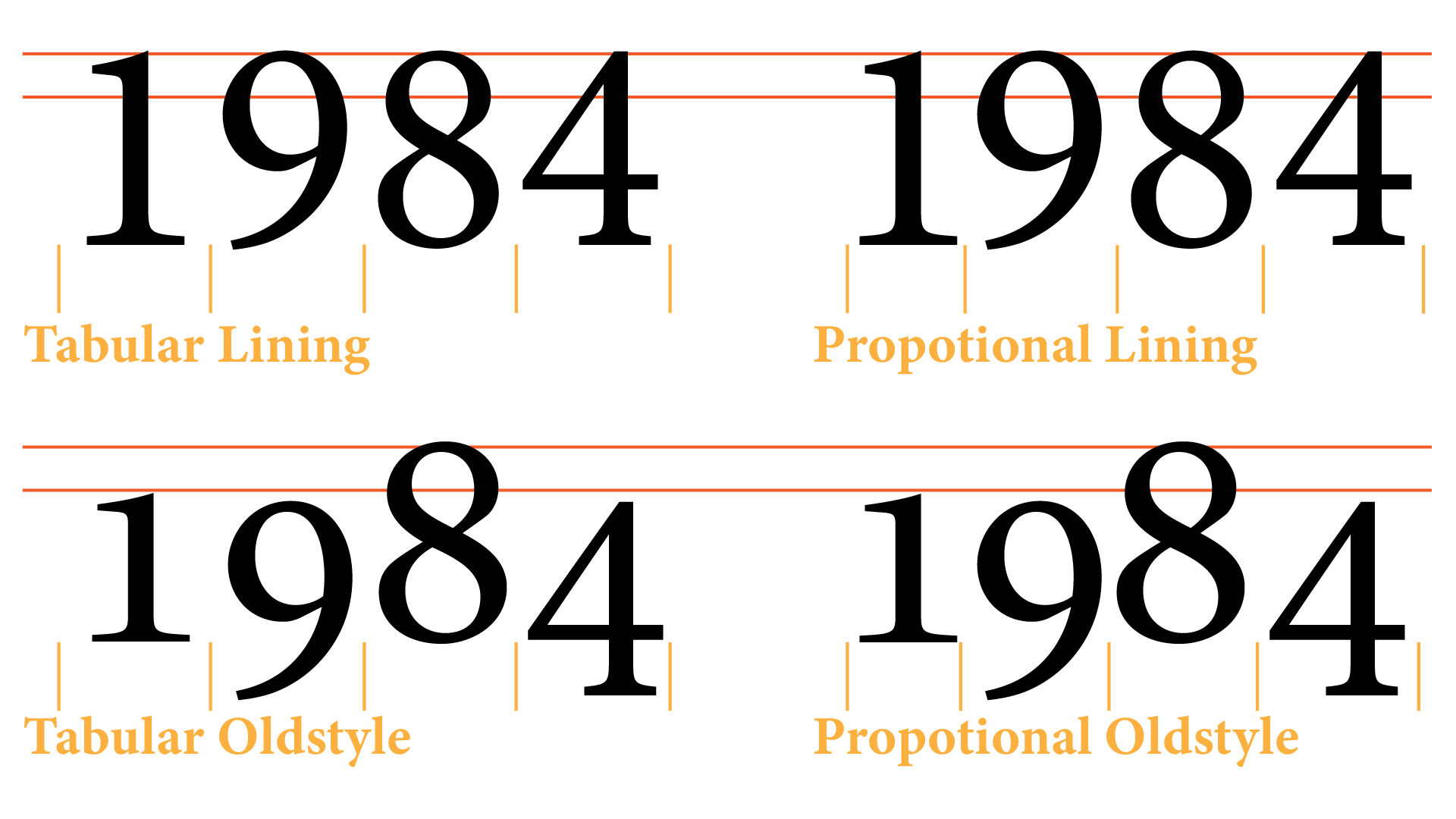
Design your numerals on a consistent baseline and decide whether they should match the cap height or x-height, depending on your font’s purpose.
- Use lining figures (matching cap height) for digital interfaces or headlines.
- Use old-style figures (with ascenders and descenders) for body text in serif fonts.
Ensure equal optical weight and visual rhythm across 0–9.
3. Give Attention to Zero and One
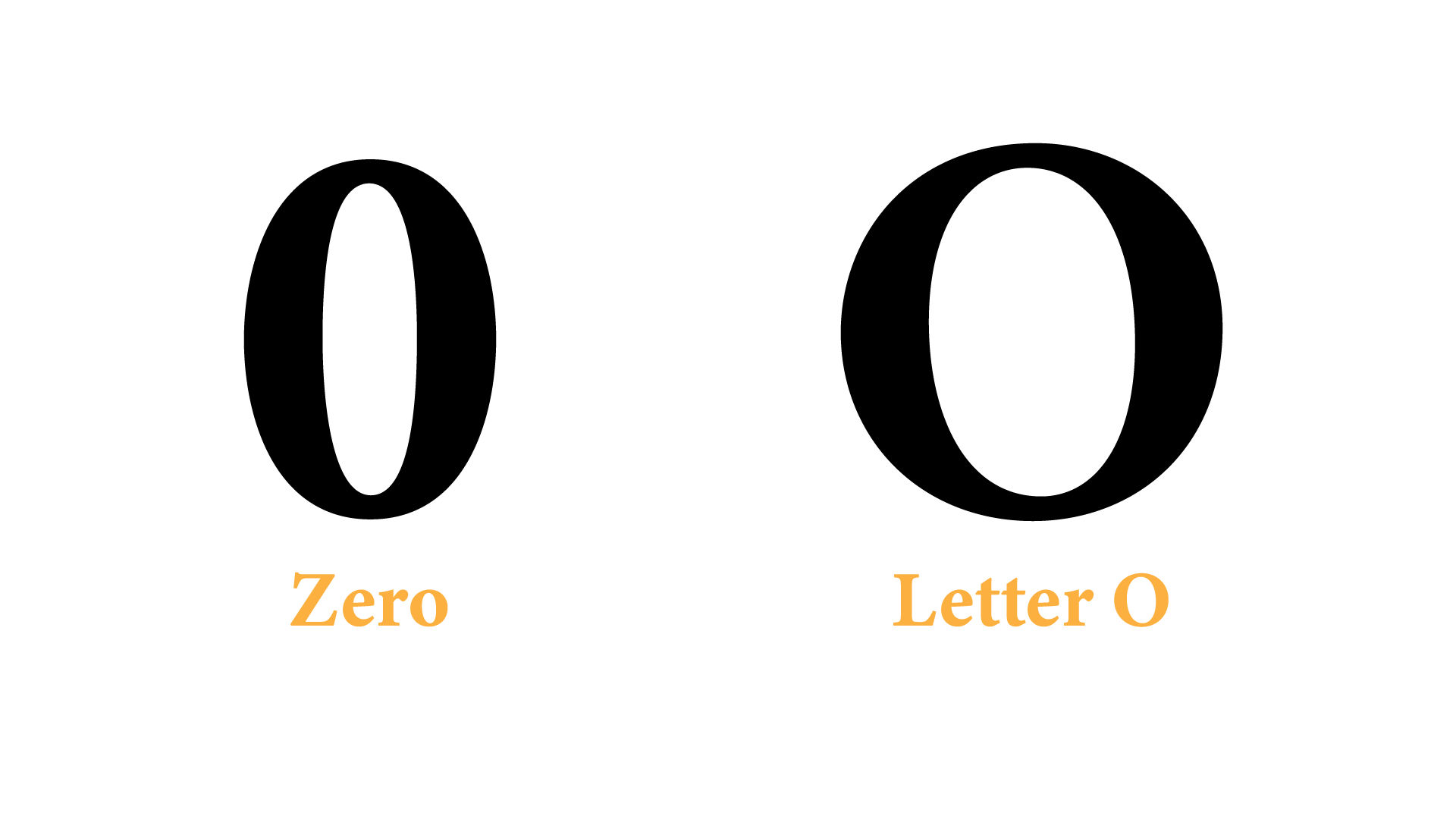
Characters like 0 (zero) and O (capital O) often look too similar. Differentiate the zero clearly — with a dot, slash, or oval shape.
For 1 (one), avoid confusion with lowercase l or capital I. Add a base or serif if needed for clarity.
4. Design Balanced Punctuation Marks
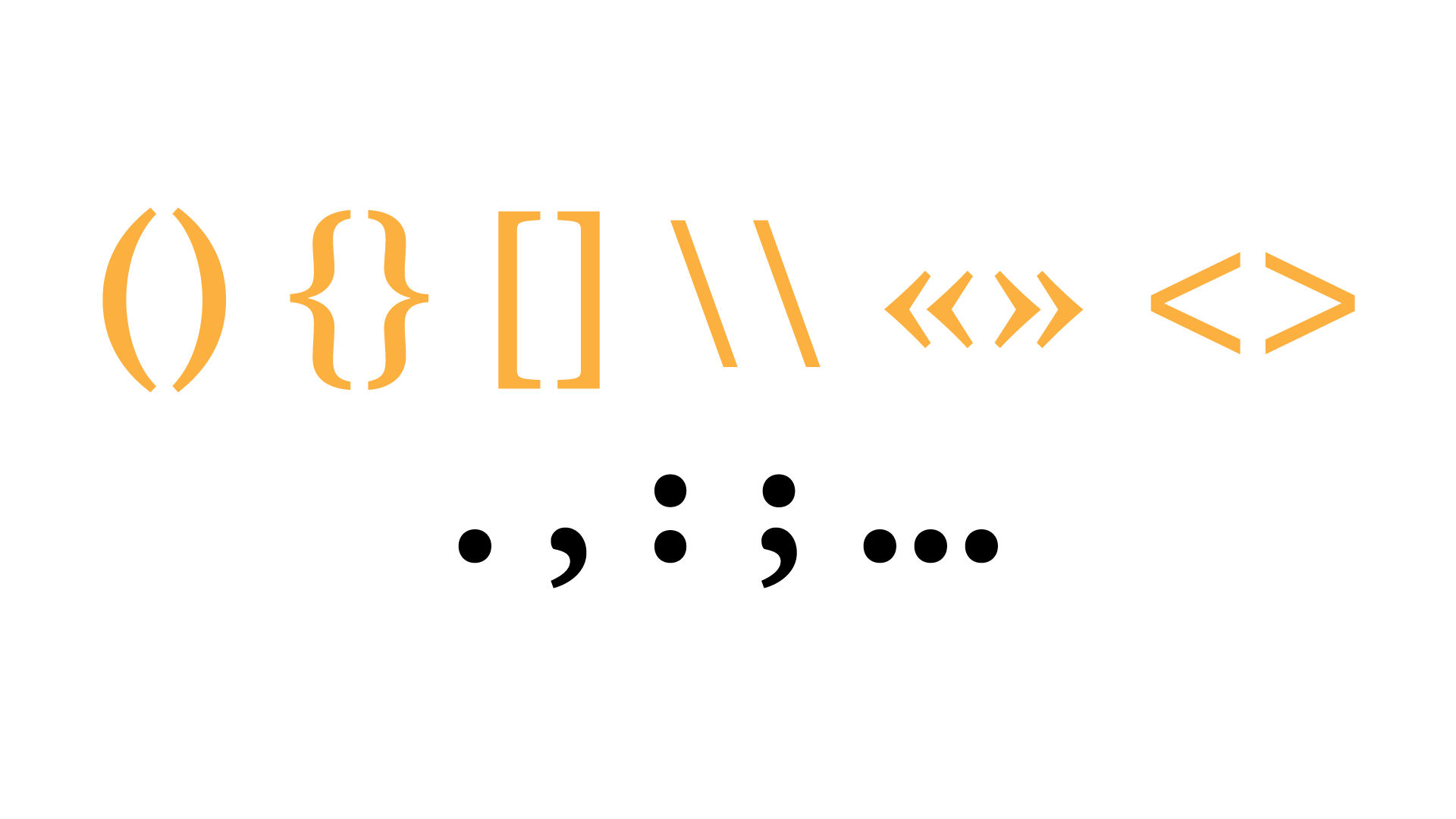
Punctuation characters like comma, period, colon, semicolon, dash, and quotes should reflect your typeface’s weight and stroke style.
- The period should be optically centered and not too small.
- The comma’s tail should mirror the movement and stroke curves found in letters like “c” or “s.”
- Dashes (en, em) must follow your horizontal stroke width and not appear too heavy or thin.
5. Use Optical Adjustments, Not Just Geometry
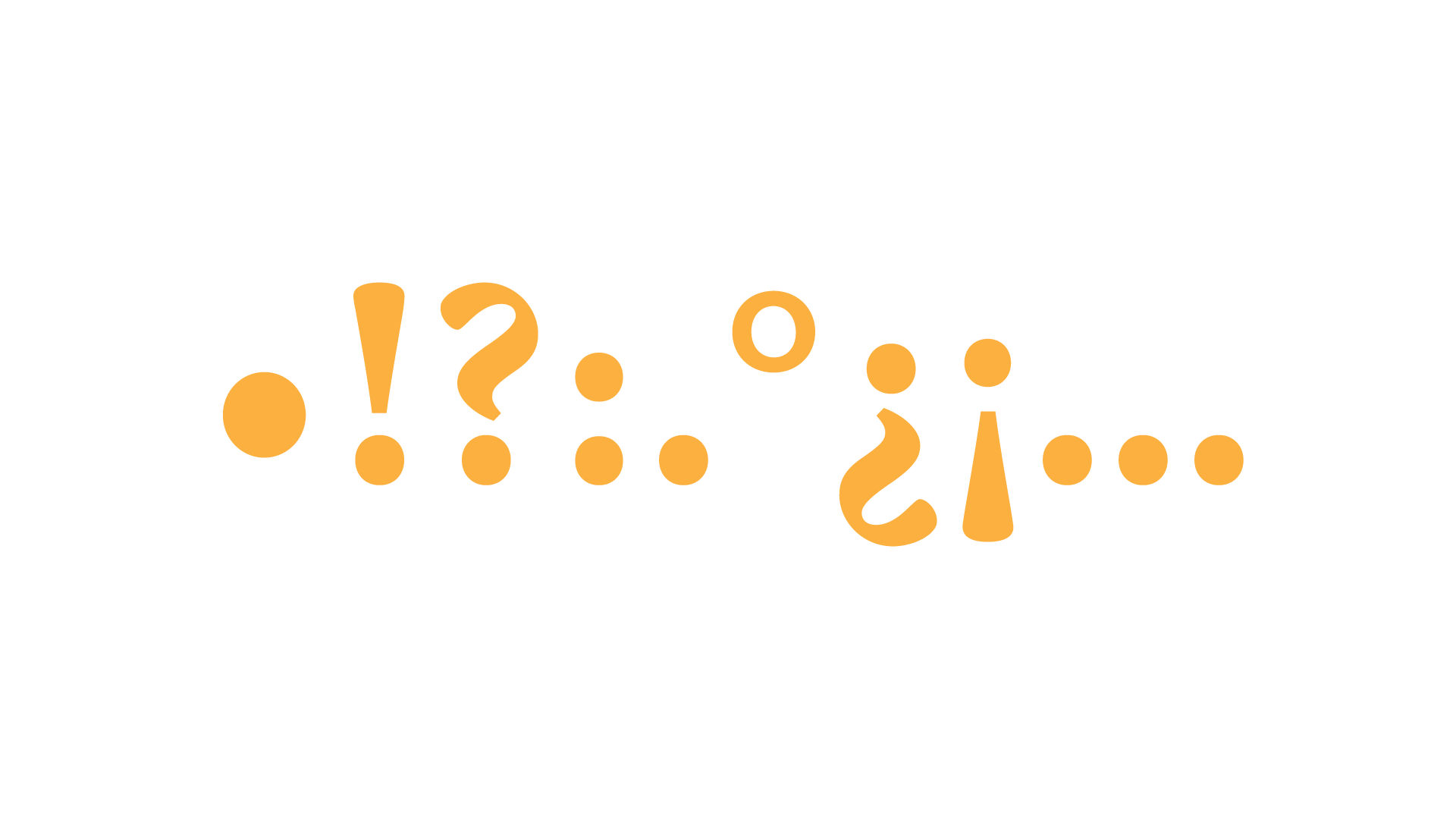
Mathematical alignment often looks wrong optically. Adjust overshoots for round punctuation (like the bullet or middle dot), tweak spacing in paired symbols (like parentheses or brackets), and test every character in context.
6. Build Common Symbols Thoughtfully
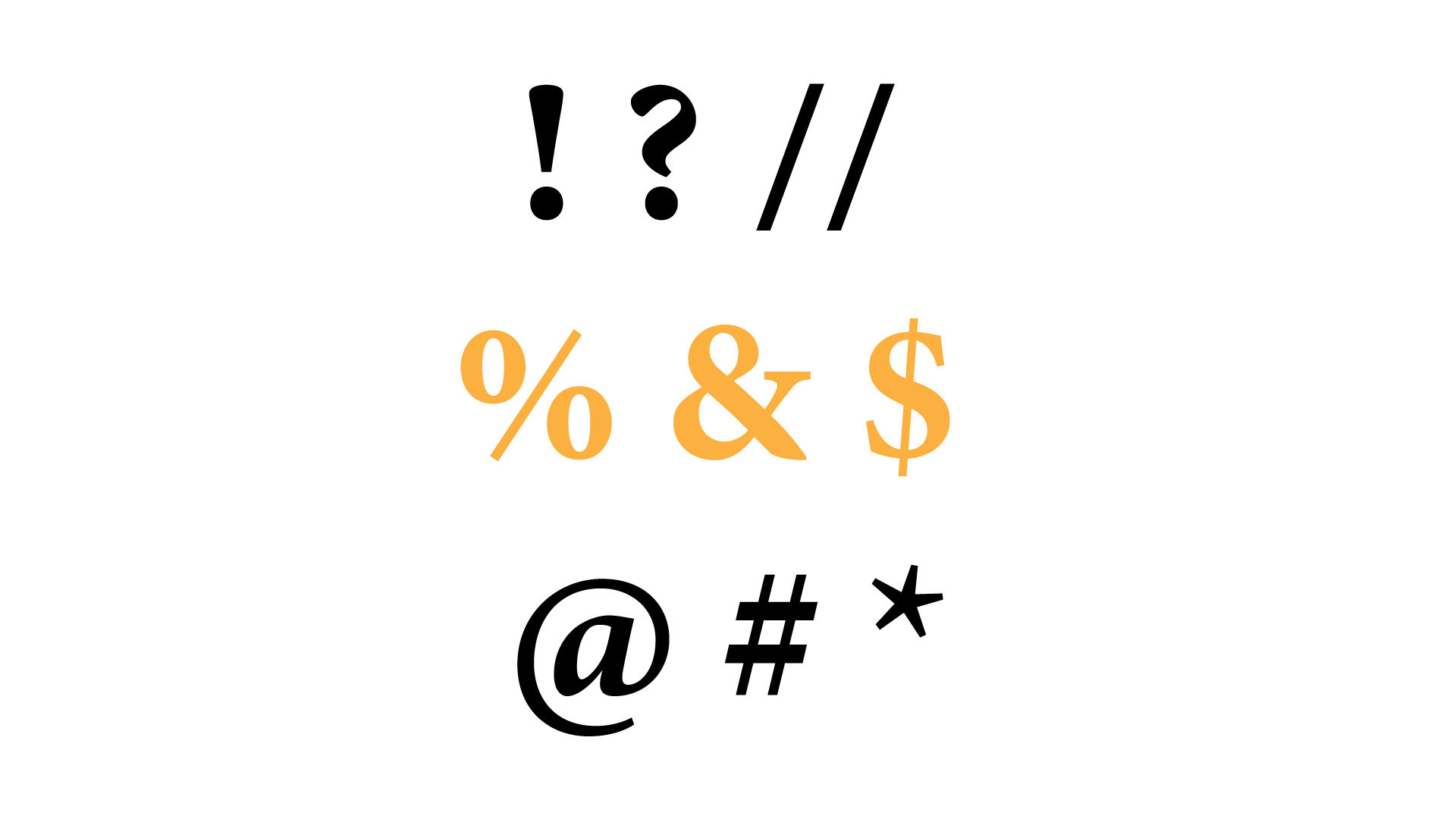
Design symbols like @, &, #, %, $, /, †, ‡, ©, ® to match the feel of your font. These are often complex shapes and should be simplified without losing identity.
Example: The ampersand (&) is both a functional glyph and a decorative one. In script fonts, it can be flowing and elegant; in sans-serifs, it should be more minimal and geometric.
7. Consider Mathematical and Technical Symbols
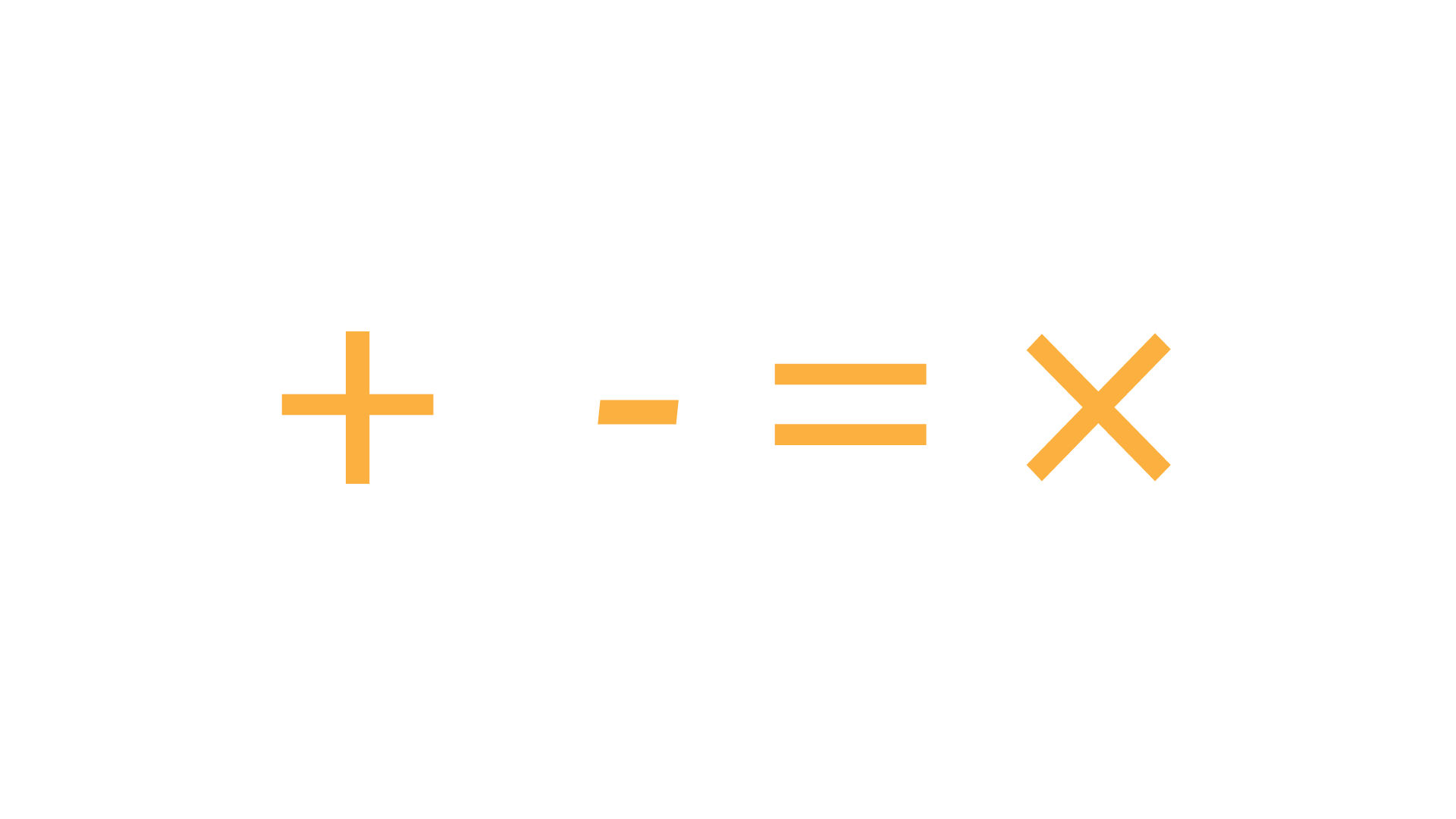
Depending on your font’s use-case, you may need math symbols (+, −, =, ×, ÷) or arrows, checkmarks, asterisks, carets, etc. Match their design with your font’s stem thickness, corner radius, and curve behavior.
8. Adjust Spacing and Kerning Pairs
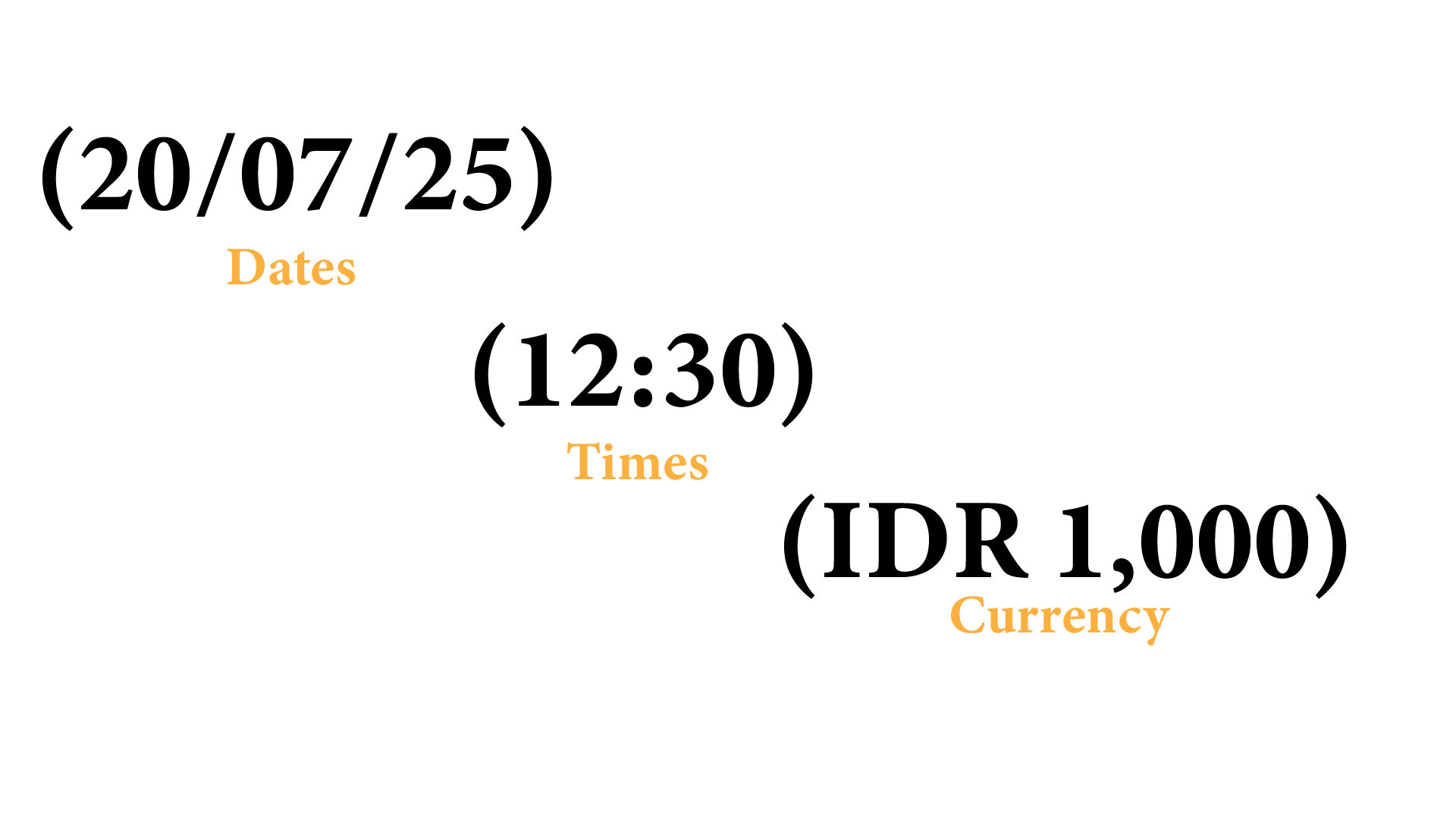
After designing, ensure your symbols and numbers are spaced properly. A wide $ or % can throw off alignment in financial or data-heavy layouts. Kerning pairs for numbers are essential, especially for dates (20/07/25), times (12:30), or currency (IDR 1,000).
9. Test in Real-world Contexts
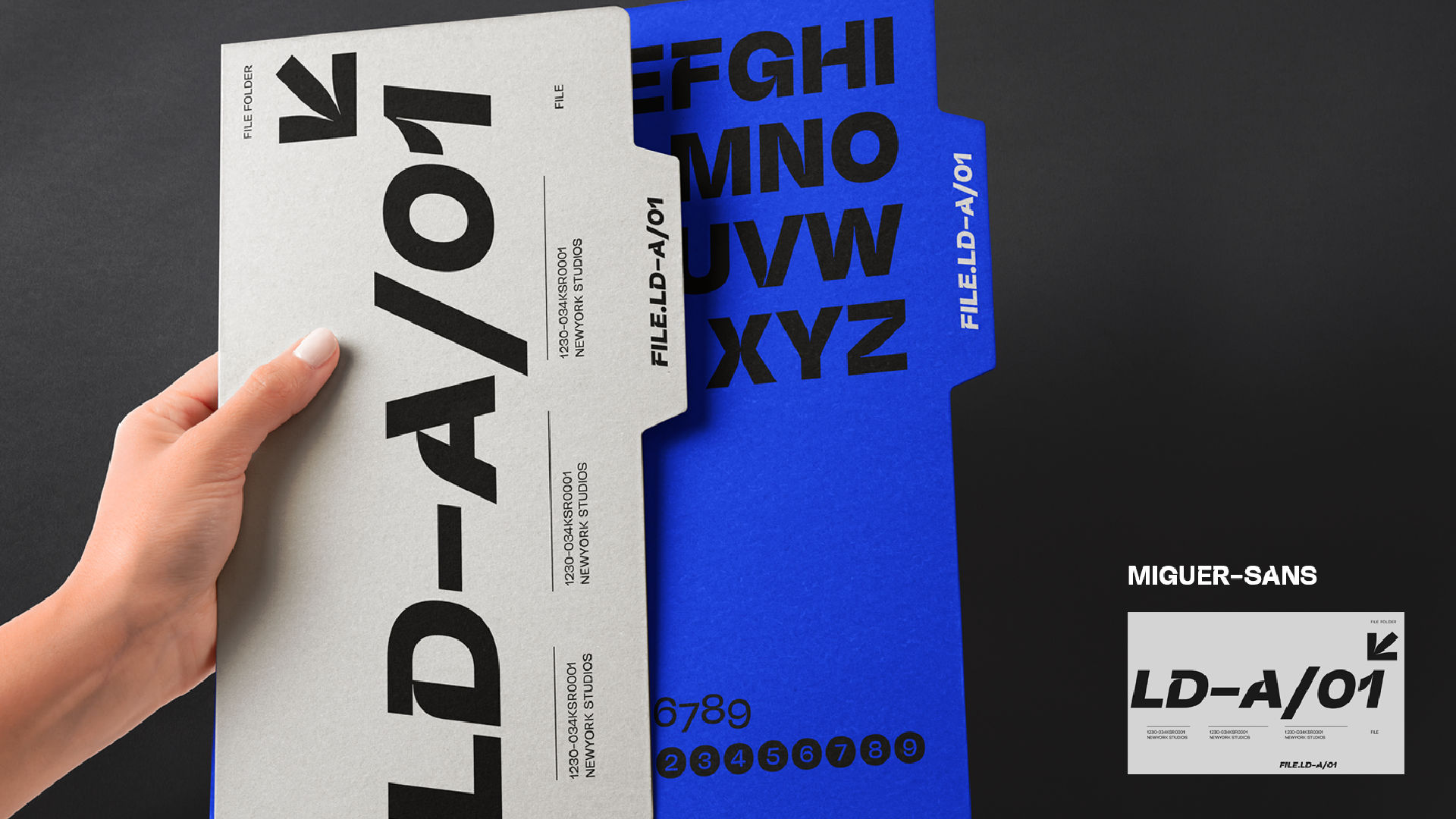
Use your font in mockups that include numbers, emails, hashtags, and quotes. This helps reveal inconsistencies or odd shapes that go unnoticed in isolated view.
10. Don’t Overload – Stick to What’s Needed
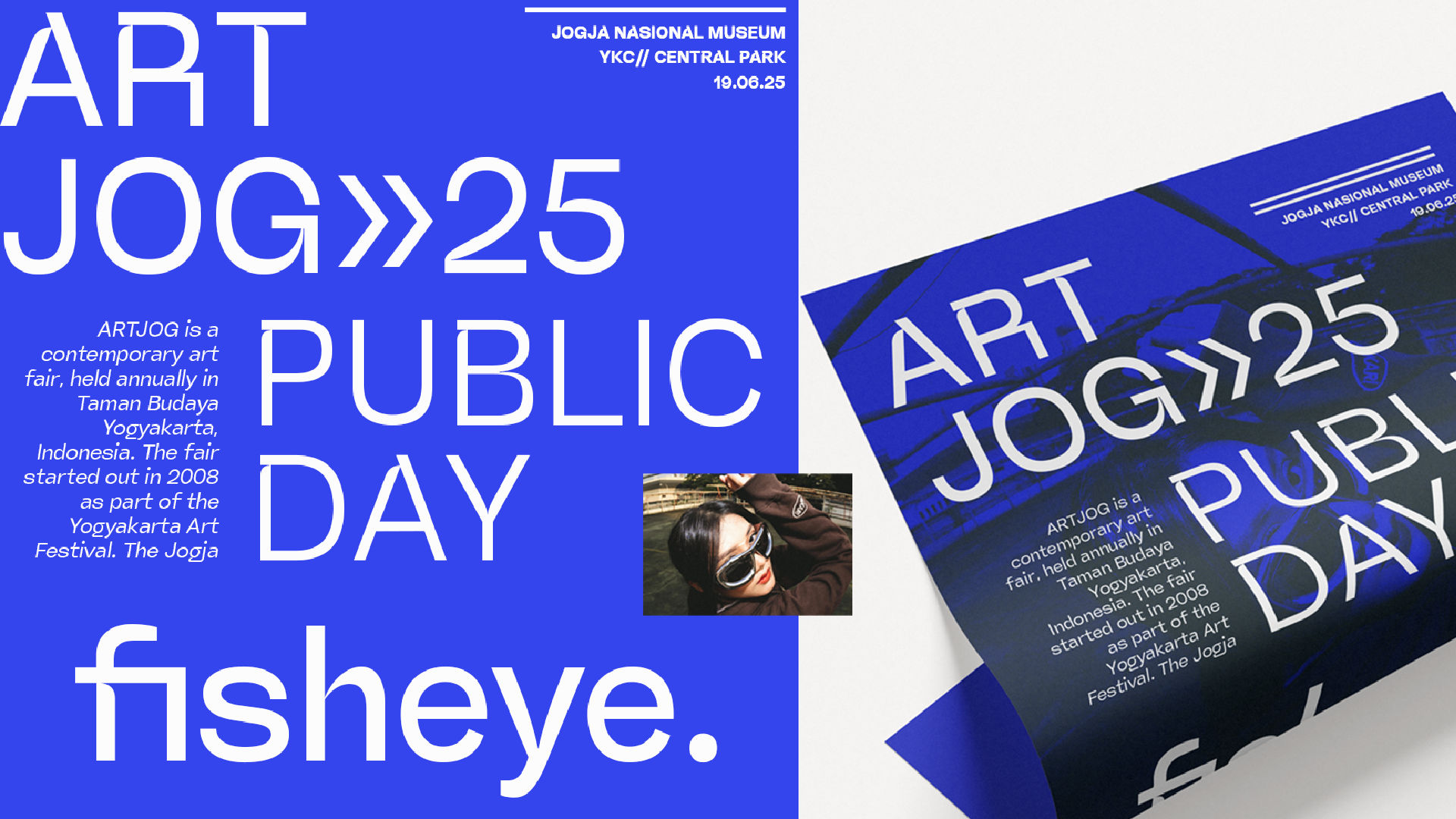
Unless you’re creating a display font for expressive use, avoid unnecessary or rarely used symbols. Prioritize clarity and utility over ornamentation.
Conclusion
Designing numbers, punctuation, and symbols isn’t just a technical task — it’s a creative extension of your typeface’s identity. With the right attention to proportion, consistency, and usability, you can ensure your font not only looks good in titles, but performs beautifully in real-world scenarios too.